How to Create Single Post Templates in Elementor
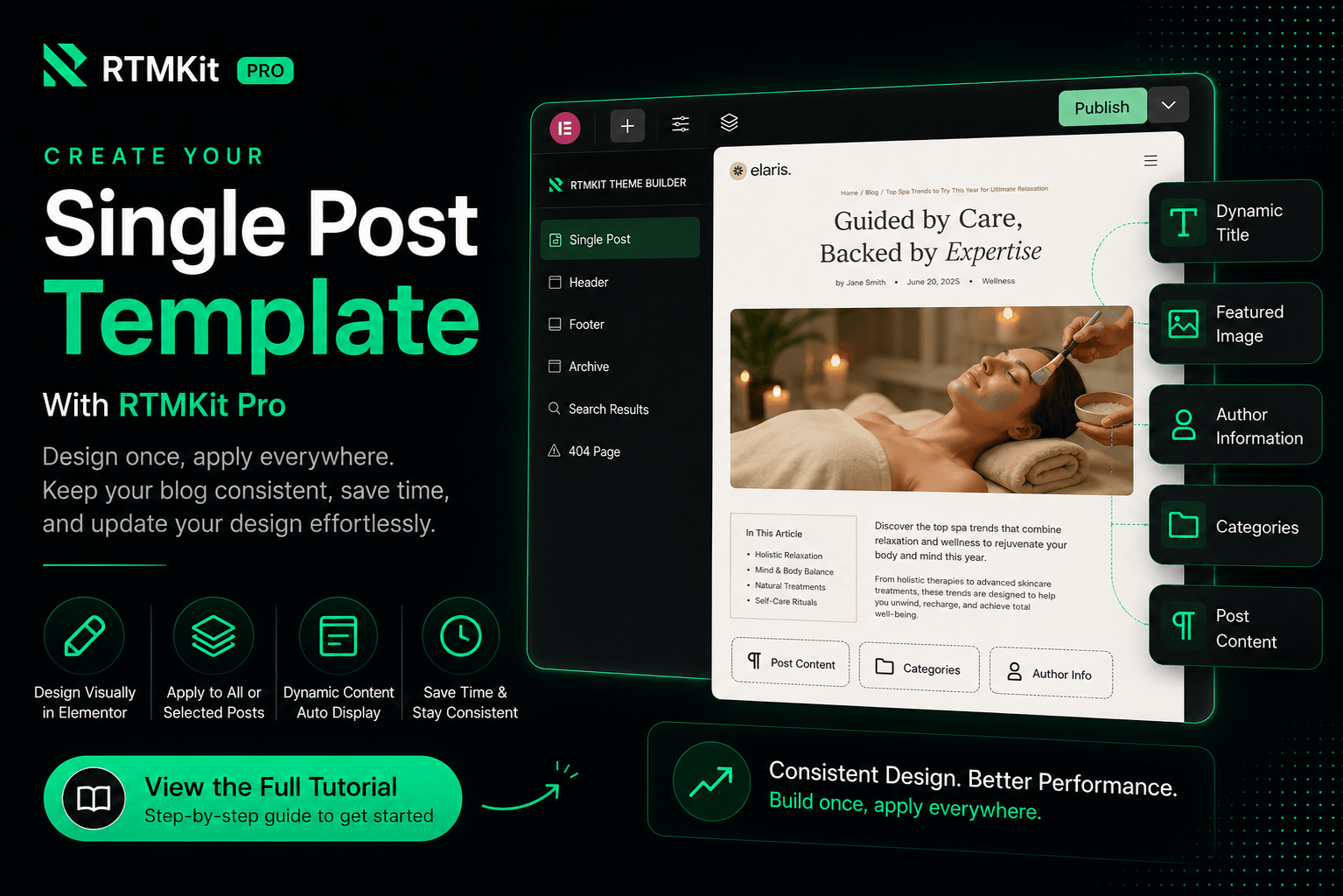
Creating a dynamic Single Post template with RTMKit Pro is simple. Using the Theme Builder, you can design a custom layout visually in Elementor and assign it to all or selected blog posts.
Once your template is published, RTMKit Pro automatically displays the correct title, featured image, author information, categories, and post content for every article.
Instead of designing each blog post individually, you only need to create your layout once. This keeps your blog consistent, saves time, and makes it easy to update your design in the future without editing existing posts one by one.
To help you get started, we’ve prepared a complete step-by-step guide that covers everything from creating your first Single Post template to configuring display conditions and publishing it successfully. Click the button below to view the full tutorial.
Ready to Build Your Single Post Template?
Follow our detailed documentation to learn how to create, customize, and publish your Single Post template with RTMKit Pro.