What happens when visitors land on a gallery packed with dozens of images? Do they scroll through everything, or leave before finding what they came for?
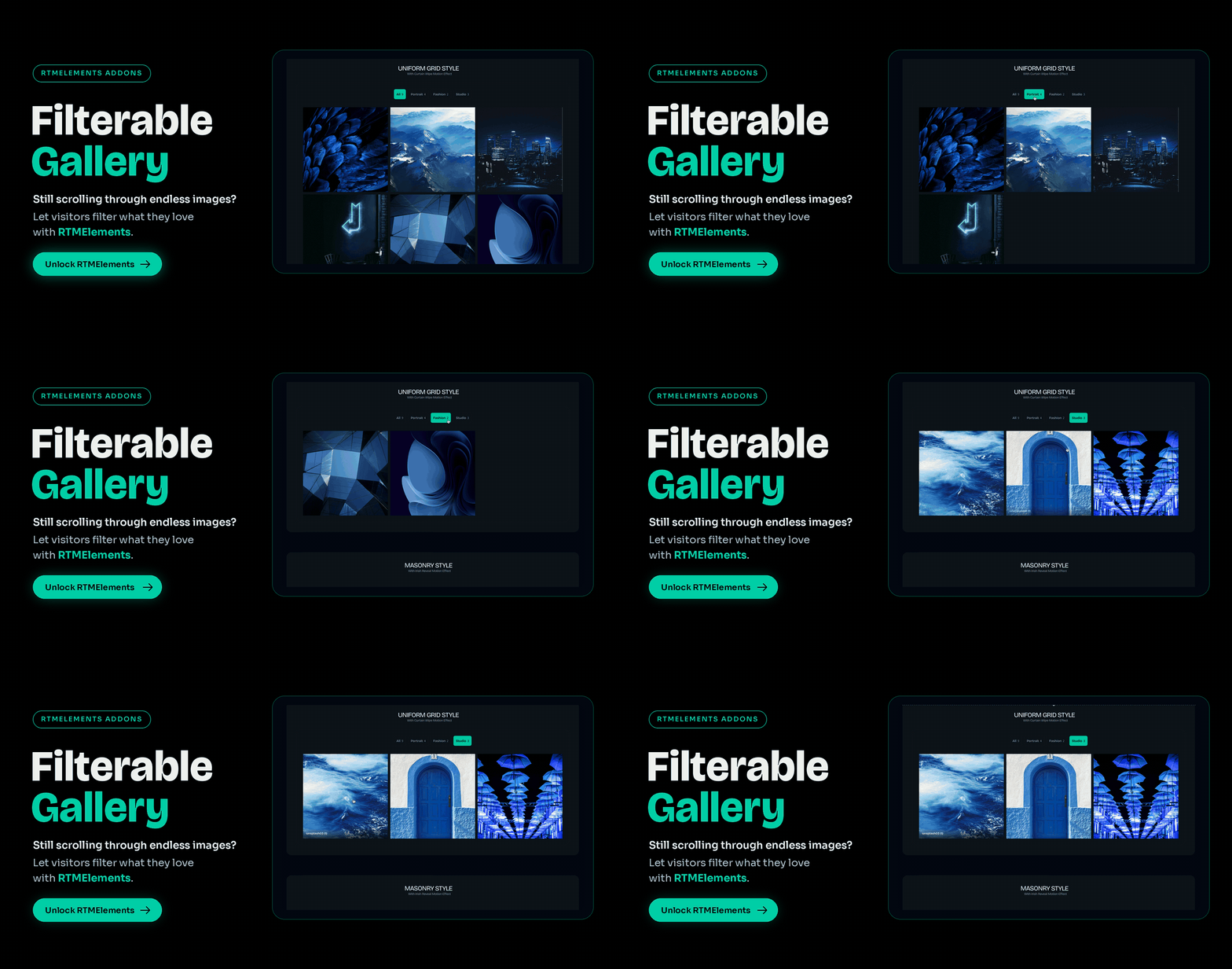
A great gallery isn’t just about beautiful images. It’s about helping people find the right ones, fast. Filterable Gallery from RTMElements lets visitors sort your images by category with a single click, so every visit feels effortless.
One Click, the Right Images
Group your images into categories like Portrait, Fashion, or Studio, and each one becomes a filter button. Visitors simply click a category, and the gallery smoothly rearranges to show only what matches. You can even show how many images are in each group.
Three Layouts, Smooth Animations
Choose a Uniform Grid, Masonry, or Mosaic layout to match your style. Every time a filter is clicked, images glide into their new places with smooth animations, while hover effects like zoom add an extra touch of polish.
A Closer Look, Anytime
With the built-in lightbox, visitors can click any image to open a full-screen preview and browse through the collection. It only shows images from the active filter, so the experience stays focused.
Fits Any Website
- Photographers & creatives: Organize your portfolio by style or project.
- Online stores: Showcase products by collection or category.
- Agencies & studios: Present client work by industry or service.
- Events & travel: Group moments by location or occasion.
Ready to Organize Your Gallery?
Need a tutorial? Read the full guide here.