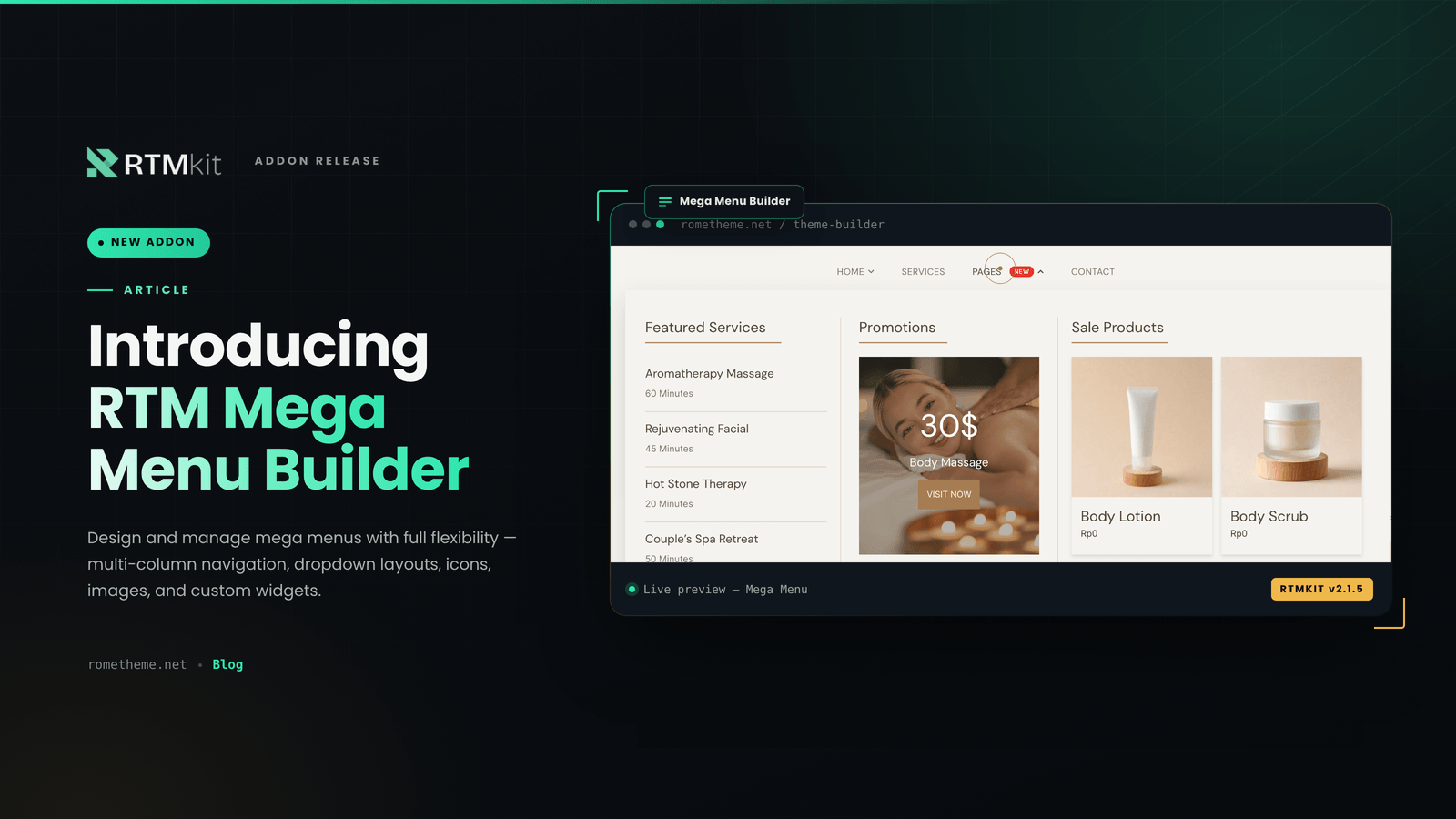
We’re excited to announce the arrival of RTM Mega Menu Builder, our newest addon now officially available. You can activate this addon anytime, right from the RTMKit dashboard.
What is RTM Mega Menu Builder?
RTM Mega Menu Builder is an addon that lets you design and manage mega menus for your website with full flexibility — from multi-column navigation and dropdown layouts to icons, images, and custom widgets tailored to your needs.
How to Get RTM Mega Menu Builder
RTM Mega Menu Builder can be accessed through the Addons menu in the RTMKit dashboard:
Show Image
- Install & Activate the RTMKit plugin / Update RTMKit to v.2.1.5
- Open the RTMKit dashboard → Features, then click Addons
- Click the Upgrade Plan button on the RTM Mega Menu Builder addon
- Choose the plan and addons you’d like to use — you can purchase a single addon or bundle as many as you need
- Once your plan and RTM Mega Menu Builder addon are active, RTM Mega Menu Builder will be instantly available in the RTMKit Theme Builder
Full Tutorial
For a step-by-step walkthrough covering everything from activation to building your first mega menu, check out the full tutorial here: Create A Mega Menu
Have questions about RTM Mega Menu Builder or other addons? Reach out to our support team at cs.rometheme@gmail.com.