Elementor keeps pushing boundaries as one of the top tools for building WordPress sites. With every big update, designers get shiny new features that make their lives a little easier—everything from smoother workflows to crazy creative layouts.
Doesn’t matter if you’re whipping up landing pages, portfolios, full-blown business sites, or online stores. Staying in the loop with Elementor’s latest tricks gives you an edge.
Let’s jump into the newest Elementor features that every web designer should know about—and exactly how they’ll make your work better and faster.
1. Elementor AI: Turbocharge Your Workflow
Elementor AI is here, bringing smart features right into the editor. No more bouncing between apps to come up with headlines, website copy, or unique code. Now, you can:
- Write website copy and catchy headlines in seconds
- Generate CSS or custom code
- Get fresh layout suggestions
It’s a serious timesaver, whether you’re cranking out projects for clients or just want to spend less time staring at a blank screen.
Why You’ll Love It
- Cuts big chunks out of your build time
- Helps you through creative ruts
- Makes site content less painful if writing isn’t your thing
2. Flexbox Containers: The Modern Way to Layout
Say goodbye to the old section-and-column system. Flexbox Containers are taking over, and honestly, it’s about time. With containers, layouts are simpler and way more flexible.
Why They’re Better
- Way easier to control for small screens
- Faster-loading pages out of the box
- Cleaner, neater code
- Tons of alignment options that just work
You can create pretty complex designs without piling up tons of nested sections—perfect for anything from modern hero sections to custom grid layouts.
Where They Shine
- Sleek landing pages
- Mobile-friendly layouts
- Responsive cards and grids
3. Loop Builder: Dynamic Content Made Simple
Loop Builder hands you the keys for building custom templates for any kind of repeating content: blog posts, portfolios, WooCommerce products, you name it.
Designers love it because:
- You’re not stuck with boring preset layouts
- Templates can be reused everywhere
- Clients can manage their own content without breaking your design
If you build sites with lots of moving parts—like news sites, directories, or ecommerce stores—this will quickly become your best friend.
4. Mega Menu Builder: Smarter Navigation
Elementor’s Mega Menu Builder means navigation finally gets some love, and you don’t have to rely on clunky third-party plugins.
Now you can put together:
- Giant dropdowns with multiple columns
- Menus that include images and promos
- Interactive sections that really stand out
It raises the bar for site navigation—especially for bigger sites or online shops.
Why It Matters
- Navigation feels more professional
- Everything’s mobile-friendly
- You can add creative touches that actually help visitors
5. Improved Performance: Faster, Lighter Sites
Speed is everything—for SEO, conversions, happy users. Elementor’s recent updates focus hard on performance:
- Smaller, cleaner code output
- Better lazy loading
- Smarter asset loading (your site only loads what it needs)
- Improved CSS efficiency
Your sites now load faster and feel snappier, which means better rankings and more conversions, especially on mobile.
6. Nested Elements: Design Without Limits
Now, you can drop widgets inside other widgets much more easily. This opens the door to:
- Tabs within tabs
- Accordions with nested sliders
- Crazy interactive layouts (without third-party bloat)
Honestly, it takes design flexibility up a notch, so you can really go wild with what you create.
7. Global Styles: Consistency, Made Simple
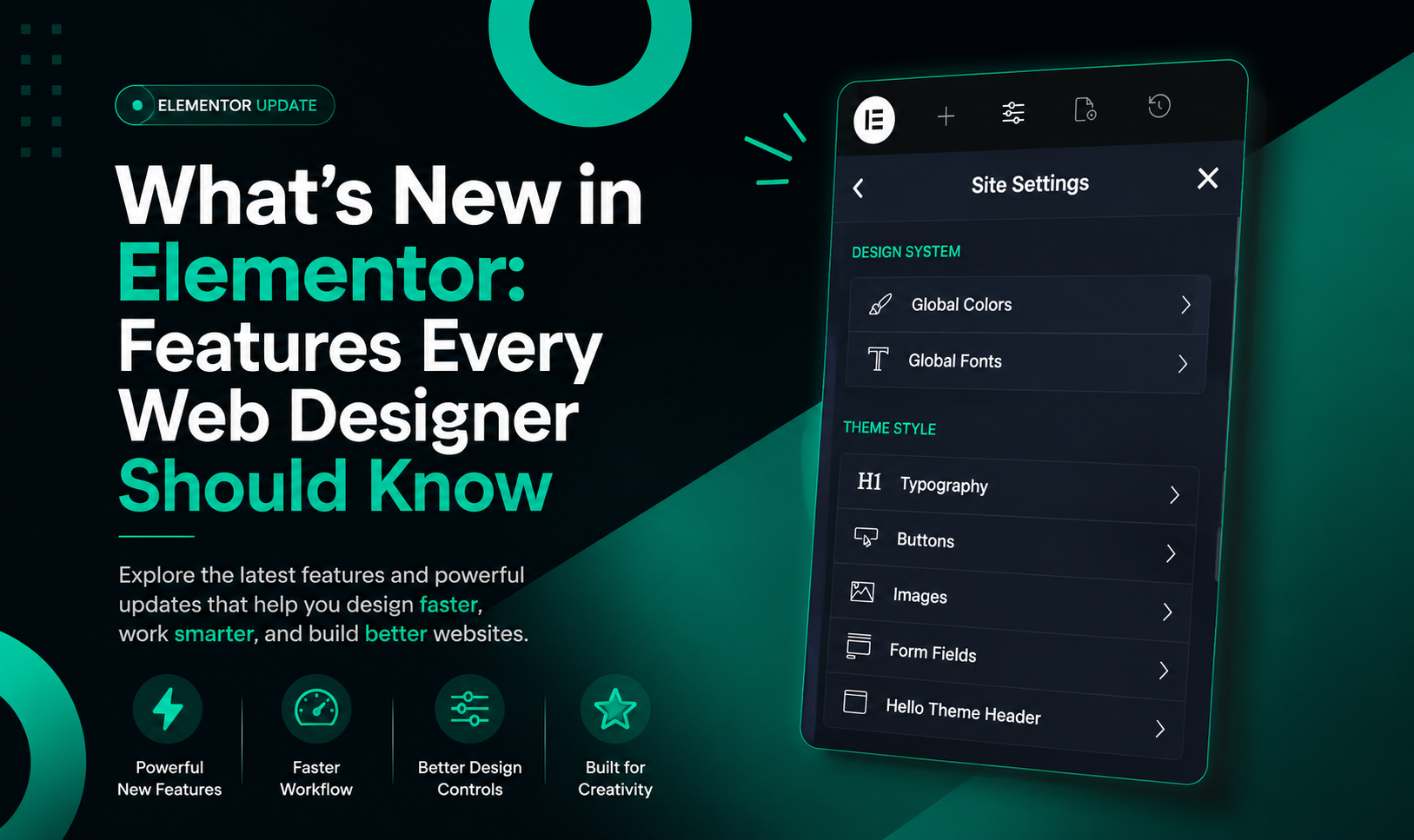
Designing at scale? Global Styles got a big upgrade. You can now manage typography, colors, button styles, forms, and spacing in one place.
Why Agencies Love This
- Styling changes roll out across entire sites in seconds
- Brand consistency is easier to nail
- Handling big projects is less of a headache
8. WooCommerce Builder: More Power for Online Stores
Elementor keeps making life easier for ecommerce designers:
- Fully customizable product templates
- More control over carts and checkouts
- Better product grid layouts
- Tons of flexibility without touching a line of code
Now you can create online stores that actually stand out—and work for your clients’ unique needs.
9. Popup Builder: Even More Control
Popups are getting smarter, with more triggers, advanced targeting, and deeper integrations.
Now you can create:
- Exit-intent popups that actually work
- Banners for special offers
- Seamless email signups
- Custom announcement boxes
All this means more leads, higher sales, and faster email list growth with less fuss.
10. Accessibility & Responsive Design: For Everyone, Everywhere
Websites need to work for everyone—on any device. Elementor’s latest updates help you:
- Fine-tune layouts for mobile and tablet
- Improve keyboard navigation
- Make content easier to access for all users
It’s about meeting modern web standards but also just building sites that feel great for every visitor.
Final Thoughts
Elementor keeps raising the bar for WordPress design. With things like Flexbox Containers, smart AI tools, and faster, lighter sites, it’s never been easier (or more fun) to build professional websites.
Now’s the perfect time to try these new features if you haven’t already. Your workflow—and your clients—will thank you.
Which Elementor Feature Do You Love?
Is it the new AI tools? Flexbox Containers? Or maybe the Mega Menu Builder? Let us know which feature has made the biggest difference for your web design process.