Choosing the right font and in accordance with the design is important. Before choosing a font, you will of course explore several font provider sites, visit a font maker’s website or ask for references from friends. After that, you have to really determine the font that you will use then download it for you to use.
In choosing the right font, you must know in advance the font you will use whether it functions as a body copy, or as a large title in a poster, or as a couple of words in a romantic wedding invitation. You can specify some of the functions of these fonts by choosing a font with lowercase letters, large print letters, or decorative display letters.
If this is your first time doing this, we will provide a simple guide for you to download and install fonts.
- Download your Font. Most typography is downloaded as an extractable zip file. You can usually use a program like WinZip to open it. It’s even better if you back up your fonts on dropbox or on another system if you need to use them elsewhere.
- On Mac and Windows, double-clicking on the font you extracted will automatically install it on your system.
- You can also manually drag font files to the appropriate system fonts folder. On a Mac, it’s usually /Library/Fonts. On PC, it’s C: WindowsFonts.
- If you have installed your fonts correctly, you are now ready to get started. Open your design program, whether it’s Photoshop, Illustrator, or something else. Your typography will appear in the font menu and create your stunning design.
But there is one important thing that you need to remember and know before you start using the font you download. A font has its own license for use. All that is determined by the creator of the font. In the next article, we will tell you what are the licenses for the fonts you might use in your designs.
Font recommendation from Rometheme :
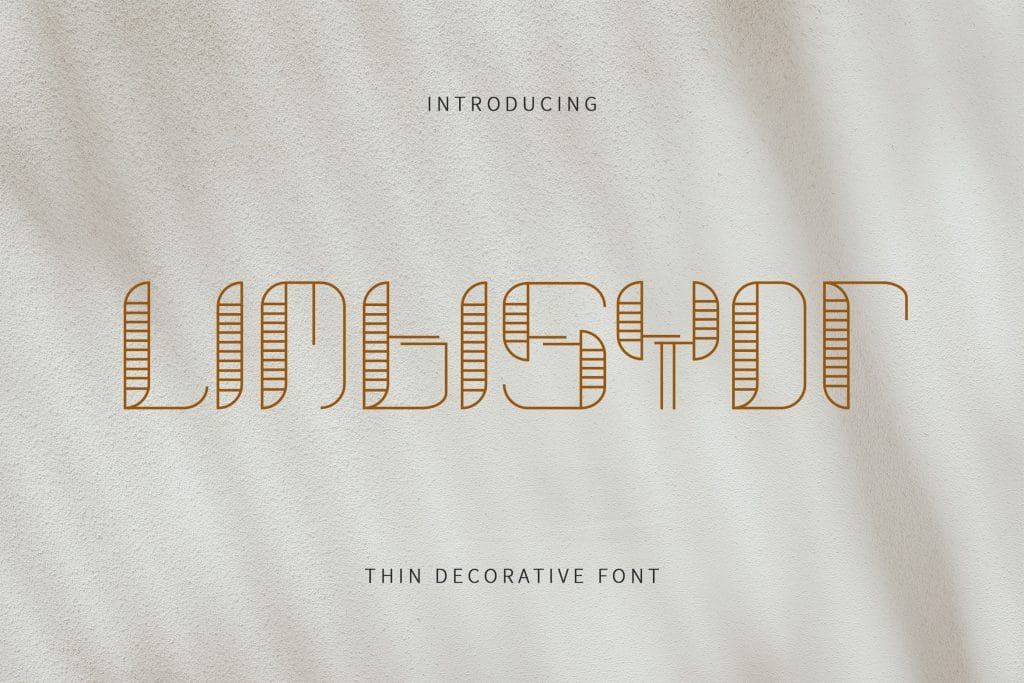
Limbisyor – Decorate Font
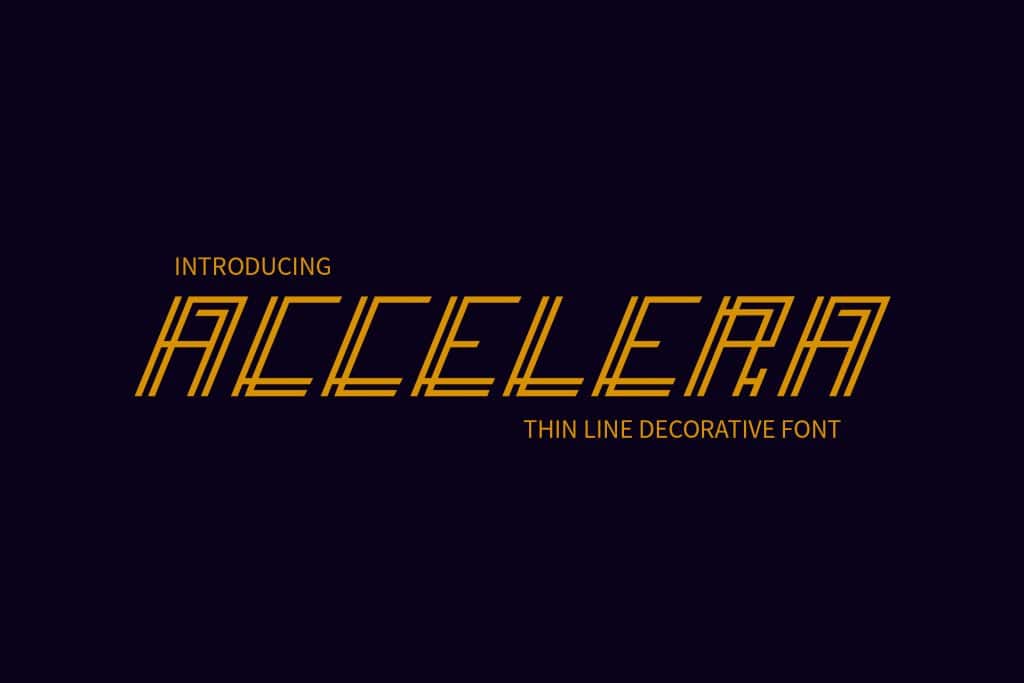
Accelera – Thin Line Decorative Font
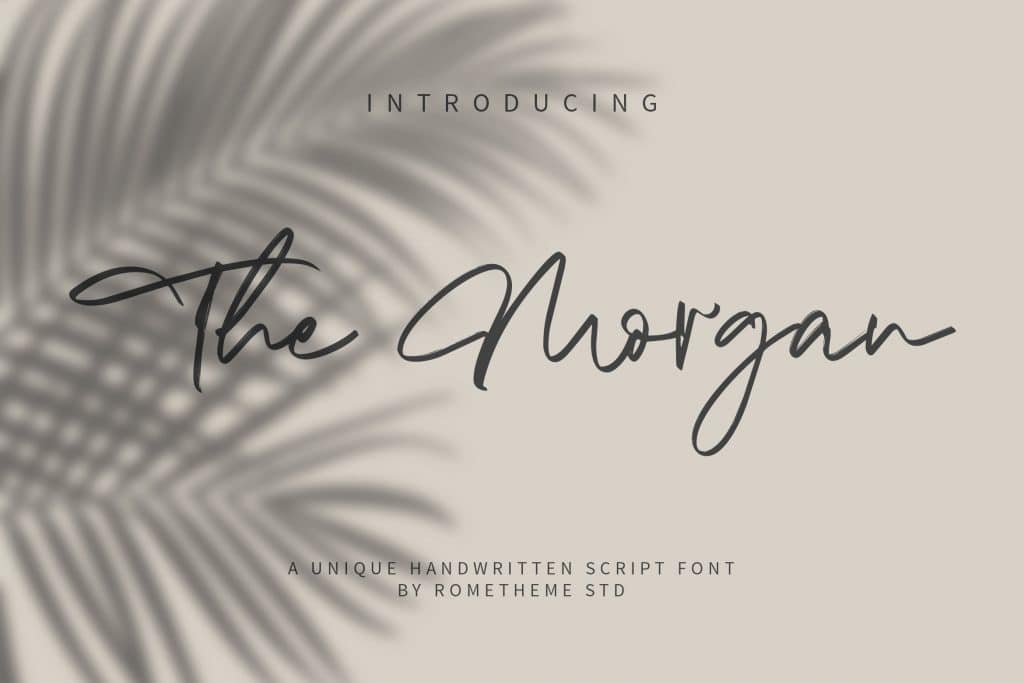
The Morgan – Signature Script Font
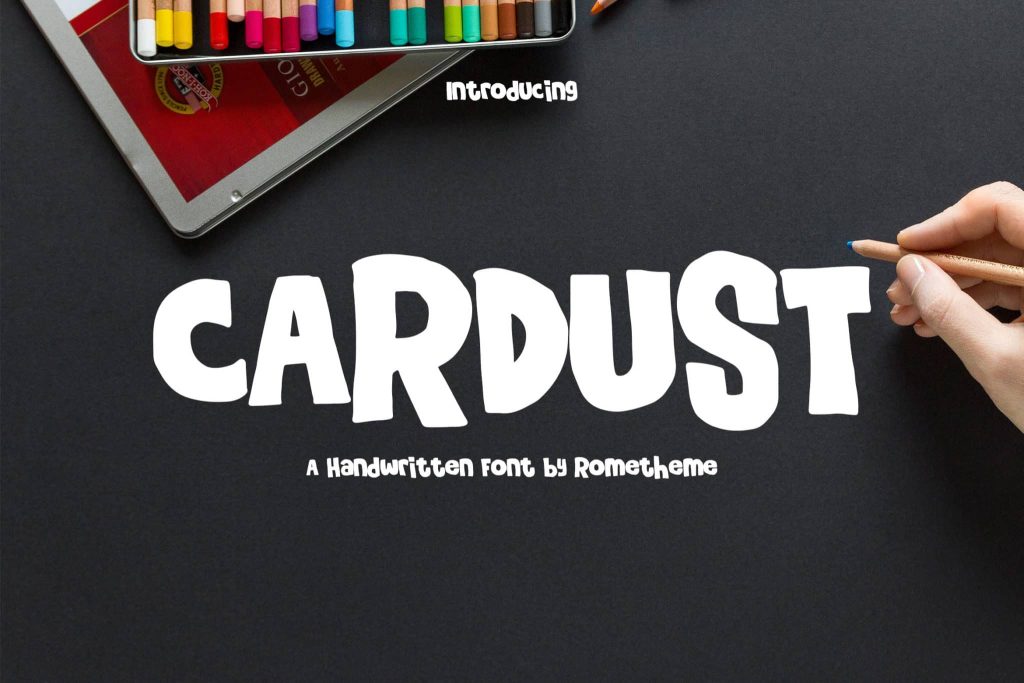
Cardust – Playful Display Font