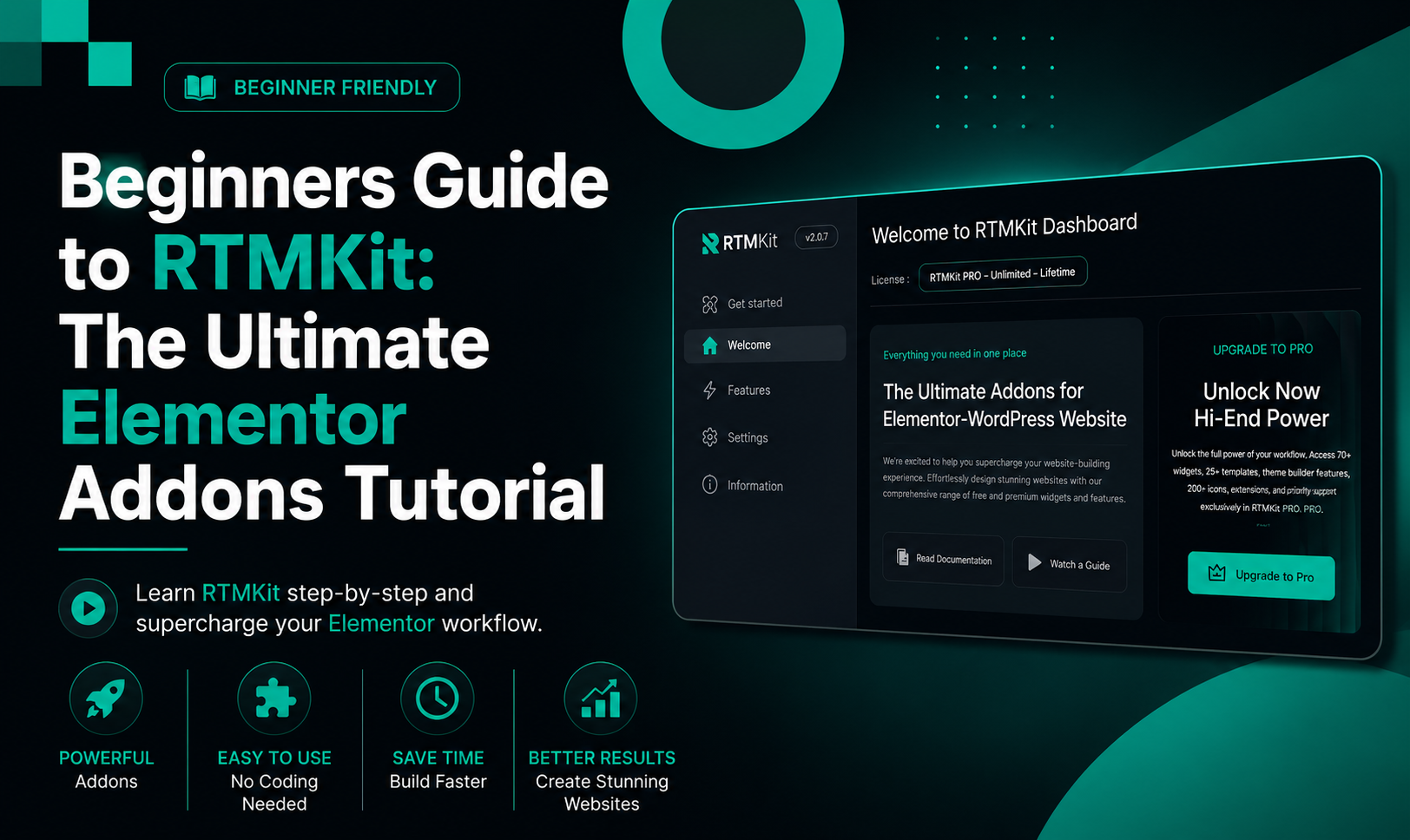
Elementor is a popular WordPress page builder that helps people make great websites without needing to write code. As your website gets bigger you might need advanced tools and design elements that Elementor does not have by default.
That’s where RTMKit comes in. RTMKit is a toolkit for Elementor that has a lot of creative widgets. These widgets help designers, developers and business owners build websites faster and more efficiently. Whether you are making landing pages, online stores or company websites RTMKit gives you the flexibility and functionality you need.
In this guide we will look at ten RTMKit widgets that can make your Elementor workflow and website design better.
1. Pricing Table – Create High-Converting Pricing Sections
Pricing tables are very important for helping visitors compare plans and make buying decisions.
With RTMKits Pricing Table widget you can easily show:
- Multiple pricing plans
- Feature comparisons
- The popular plans
- Call-to-action buttons
- Custom styling options
Best Use Cases
- SaaS websites
- Membership sites
- Hosting providers
- Service packages
- Subscription businesses
A clean and nice pricing section can really improve conversion rates. Help customers choose the right plan quickly.
2. Progress Bar – Visualize Data and Achievements
The Progress Bar widget helps you show percentages and statistics in a visual format.
You can use it to display:
- Skill levels
- Project completion status
- Fundraising goals
- Customer satisfaction metrics
- Business performance indicators
Why Use Progress Bars?
People understand pictures faster than text. Progress bars make data easier to understand and add interest to your pages.
3. Social Icons – Connect Visitors with Your Brand
Having a social media presence is very important for modern businesses.
RTMKits Social Icons widget lets you:
- Add social media profile links
- Customize icon colors and sizes
- Use hover effects
- Match icons with your brand
Supported Platforms
- X (Twitter)
- YouTube
- TikTok
Social icons encourage visitors to engage with your brand on different channels.
4. Social Share – Increase Content Reach
While Social Icons connect users to your profiles the Social Share widget helps visitors share your content with their networks.
Benefits of Social Sharing
- More website traffic
- More social engagement
- Better content visibility
- More brand awareness
With buttons and styling options you can easily add sharing functionality to blog posts landing pages and product pages.
5. Team Member – Showcase Your Team Professionally
Trust is very important for business success.
The Team Member widget lets you highlight the people behind your brand by showing:
- Profile photos
- Names
- Job titles
- Short biographies
- Social media links
Perfect For
- Agencies
- Startups
- Consulting firms
- institutions
- Non-profit organizations
Adding team profiles helps humanize your brand and build credibility with potential clients.
6. Testimonials Carousel – Build Social Proof
Customer testimonials are one of the ways to build trust on a website.
RTMKits Testimonials Carousel widget enables you to display:
- Customer reviews
- Star ratings
- Client photos
- Company names
- Auto-sliding sections
Why Testimonials Matter
Visitors are more likely to trust recommendations from real customers than marketing claims. A rotating testimonial carousel keeps your pages engaging while showing social proof.
7. Text Marquee – Grab Attention Instantly
The Text Marquee widget creates scrolling text that draws attention to information.
Common Uses
- offers
- Product launches
- Breaking announcements
- Limited-time discounts
- Event reminders
Instead of using static banners text marquees add motion that naturally captures visitor attention.
8. Video Button – Create Interactive Experiences
Video content gets engagement than text alone.
The Video Button widget lets users launch videos in a popup or lightbox format without leaving the page.
Ideal Applications
- Product demonstrations
- Company introductions
- Customer success stories
- Tutorials
- Marketing campaigns
A stylish video button creates a design while encouraging visitors to engage with your content.
9. Woo Product Grid – Enhance Your WooCommerce Store
For store owners the Woo Product Grid widget is very useful.
It lets you display products in a customizable grid layout featuring:
- Product images
- Titles
- Prices
- Ratings
- Add-to-cart buttons
Benefits
- Better product visibility
- Better shopping experience
- Conversions
- Flexible layout control
Whether you’re creating a homepage showcase or category section Woo Product Grid helps present products professionally.
10. RTMForm – Build Forms Without Complexity
Every website needs a form solution.
RTMForm lets you create types of forms directly inside Elementor including:
- Contact forms
- Lead generation forms
- Newsletter subscriptions
- Feedback forms
- Registration forms
Why RTMForm Stands Out
- Easy-to-use interface
- Customizable fields
- design
- Seamless Elementor integration
- Better lead collection
Forms are often the step in a conversion funnel making them one of the most important elements on your website.
Why Choose RTMKit for Elementor?
RTMKit helps bridge the gap between Elementors default widgets and the functionality modern websites need.
Key Advantages
- Easy drag-and-drop workflow
- Professional design options
- Lightweight and performance-focused
- WooCommerce compatibility
- across all devices
- Suitable for beginners and professionals
Whether you’re building business websites, portfolios, blogs, landing pages or online stores RTMKit provides the tools needed to create polished and high-converting pages.
Final Thoughts
RTMKit is more than another Elementor addon – it’s a complete toolkit designed to help users build better websites with less effort.
From showcasing pricing plans with the Pricing Table widget, to collecting leads through RTMForm each widget serves a purpose that improves both design flexibility and user experience.
If you’re looking to expand Elementors capabilities without adding complexity RTMKit is a great place to start. Explore these widgets try layouts and see how RTMKit can streamline your workflow while helping you create more engaging WordPress websites.