Elementor has changed the way people build WordPress websites.. While Elementors core widgets are good modern websites often need advanced features, interactive experiences and conversion-focused elements that go beyond the basics.
That’s where RTMKit comes in.
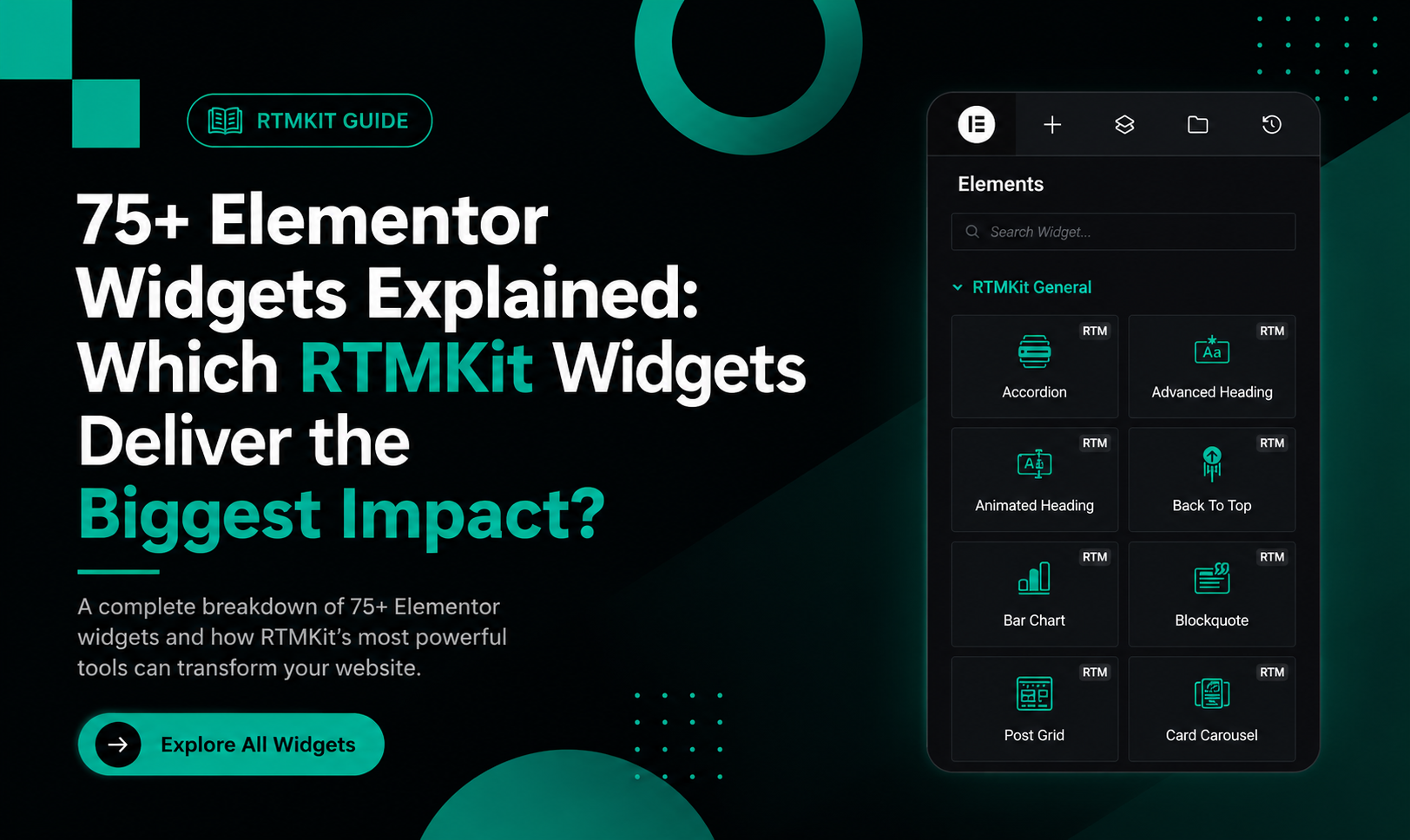
With seventy five plus Elementor widgets RTMKit helps designers, agencies, freelancers and business owners create professional websites without relying on multiple plugins. Of installing separate addons for charts, forms, sliders, testimonials, menus and marketing elements RTMKit brings everything together in one lightweight toolkit.
In this guide we will explore the RTMKit widgets that deliver the impact on design, user experience and conversions.
Why Choose RTMKit Widgets?
Before diving into widgets it’s important to understand why thousands of Elementor users choose RTMKit:
- Seventy five plus Advanced Elementor Widgets
- Fifty plus Ready-to-Use Template Kits
- One thousand five hundred plus Icons Library
- Lightweight and Fast Performance
- WooCommerce Compatible
- Built-In RTMForm Form Builder
- Trusted by forty thousand plus Websites
The result is workflows, fewer plugin conflicts and better-performing websites.
Best RTMKit Widgets for Website Navigation
Header Info
A professional header instantly builds trust.
Use Header Info to display:
- Phone numbers
- Business addresses
- Email contacts
- Opening hours
Perfect for businesses, agencies, healthcare providers and service companies.
Header Offcanvas
Need space without cluttering your layout?
The Header Offcanvas widget lets users open hidden content such as:
- Contact forms
- Newsletter signups
- banners
- Mobile navigation
- Demo requests
Nav Menu
Navigation can make or break a website.
RTMKits Nav Menu widget helps you create:
- -level dropdown menus
- Mega-menu style navigation
- friendly menus
- Sticky navigation experiences
Search
Help visitors find content faster.
Choose between:
- search bar
- Full-screen modal search
- Custom search layouts
Site Logo
A small widget with a big branding impact.
The Site Logo widget ensures your brand identity remains consistent across all devices.
Best RTMKit Widgets for Content Presentation
Accordion
One of the useful widgets for:
- FAQs
- Product information
- Service details
- Knowledge bases
It keeps pages organized while reducing clutter.
Advanced Heading
Transform headings into attention-grabbing titles with:
- Gradient effects
- Custom typography
- elements
- Responsive styling
Advanced Tabs
Tabs help organize large amounts of information without overwhelming visitors.
Great for:
- Features comparisons
- Product details
- Service descriptions
- Pricing breakdowns
Animated Heading
Want visitors to notice your headline?
Animated Heading adds effects that increase engagement and draw attention to key messages.
Blockquote
Ideal for:
- Testimonials
- Customer feedback
- Expert opinions
- Inspirational quotes
Best RTMKit Widgets for Conversion Optimization
Call To Action
Every website needs a next step.
Use CTA blocks to encourage visitors to:
- Request a quote
- Download a resource
- Start a trial
- Book a consultation
Countdown
Urgency is a proven marketing strategy.
Perfect for:
- Product launches
- Flash sales
- Event registrations
- Limited-time offers
Pricing Table
Pricing tables purchasing decisions by clearly comparing plans and features.
Ideal for:
- SaaS businesses
- Agencies
- Membership websites
- Online services
Progress Bar
Showcase:
- Skill levels
- Project progress
- Statistics
- Course completion rates
Video Button
Video consistently boosts engagement.
Use Video Button to:
- Launch product demos
- Show testimonials
- Explain services
- Increase time-on-page
Best RTMKit Widgets for Social Proof
Client Grid
Showcase brands you’ve worked with.
Displaying logos helps build instant credibility.
Team Member
Introduce your team with:
- Photos
- Job titles
- Social media links
- Biographies
Testimonials Carousel
Customer reviews remain one of the conversion drivers.
The carousel format allows you to showcase testimonials in limited space.
Social Icons
Connect visitors with your social media presence through customizable icons.
Social Share
Make your content easier to share across platforms.
Best RTMKit Widgets for Visual Storytelling
Hero Slider
The first impression matters.
Hero Slider creates homepage sections using:
- Images
- Videos
- Animations
- Promotional messages
Card Carousel
Showcase featured content in a slider format.
Perfect for:
- Services
- Products
- Portfolio projects
- Blog posts
Image Accordion
An way to display multiple images while saving space.
Image Box
One of the versatile widgets for presenting:
- Services
- Features
- Benefits
- Categories
Image Comparison
Perfect for before-and-after demonstrations.
Popular among:
- Beauty clinics
- Interior designers
- Photographers
- Renovation companies
Image Gallery
Create galleries with:
- Grid layouts
- Masonry layouts
- Lightbox support
Best RTMKit Widgets for Data Visualization
Bar Chart
Display comparisons using horizontal or vertical charts.
Great for:
- Surveys
- Reports
- Statistics
- Business metrics
Line Chart
Show growth trends and performance over time.
Pie & Doughnut Chart
Visualize percentages and market share data in an engaging format.
Counter
numbers for:
- Happy customers
- Projects completed
- Revenue generated
- Awards won
Best RTMKit Widgets for Blogging
Post Block
Feature articles, with bold layouts and eye-catching designs.
Post Grid
Create blog layouts that encourage visitors to explore more content.
Post List
Create clean blog layouts that help visitors find the content they need.
Best RTMKit Widgets for WooCommerce
Woo Product Grid
You can display products in a way with this widget and you can customize it however you want. This is perfect for stores, fashion brands, electronics shops and people who sell digital products.
The Hidden Gem: RTMForm
RTMForm is one of the RTMKit widgets that really stands out. It is different from form builders because it is simple and easy to use.
Why Users Love RTMForm
People love RTMForm because it has a lot of features such as:
- You can create forms by dragging and dropping things
- You can make contact forms
- You can make forms to generate leads
- You can make registration forms
- You can make forms for people to sign up for your newsletter
- It is fast to set up
- It is easy for beginners to use
Whether you are making a contact page or a whole lead-generation funnel RTMForm makes it easy to create forms.
Which RTMKit Widgets Deliver the Biggest Impact?
If you want to know which widgets will give you the return on investment you should start with these:
For Conversions
- RTMForm
- Call To Action
- Countdown
- Pricing Table
- Video Button
For Engagement
- Hero Slider
- Animated Heading
- Testimonials Carousel
- Image Comparison
- Card Carousel
For Professional Design
- Advanced Heading
- Nav Menu
- Header Offcanvas
- Image Gallery
- Team Member
For Business Websites
- Header Info
- Client Grid
- Testimonials Carousel
- RTMForm
- Woo Product Grid
Final Thoughts
The real power of RTMKit is not just that it has a lot of widgets but that they all work together to help you build websites faster convert better and create websites without using too many plugins.
Whether you are a freelancer building websites for clients an agency working on projects or a business owner making your own website, RTMKits 75+ Elementor widgets give you the tools you need to design modern high-converting websites easily.
If you are currently using a lot of Elementor addons to do similar things RTMKit might be the all-, in-one solution you have been looking for.