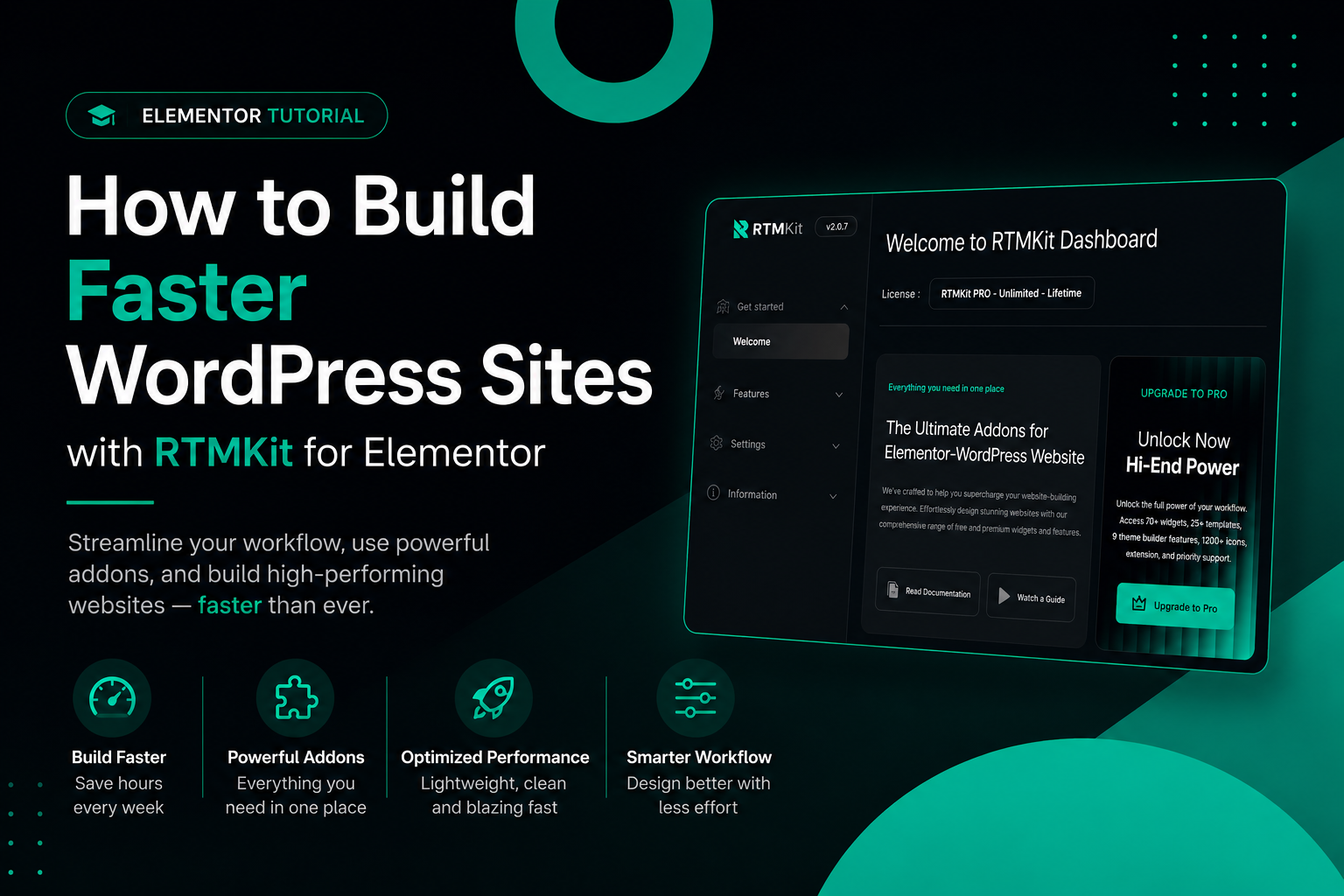
Let’s be honest—speed is everything. These days, nobody wants to wait around for a website to load. It wrecks your SEO, drives visitors away, and makes it way harder to convert new customers. If you’re using WordPress with Elementor, you probably know the struggle: adding cool features can make your site crawl, thanks to bulky plugins and bloated sections.
That’s where RTMKit for Elementor steps in.
RTMKit is all about helping you craft eye-catching websites without bogging them down. Instead of patching together a bunch of heavy plugins, you get a handful of lightweight, versatile widgets that keep your workflow smooth and your site snappy.
Here’s what we’ll dig into—three widgets from RTMKit that boost performance and streamline design:
- Hero Slider
- Advanced Heading
- RTMKit Form
Why Speed Actually Matters
People expect websites to load instantly, especially on their phones. Even being one second slower can cost you in lost visitors and lower engagement.
Fast WordPress sites have some big advantages:
- They rank higher in search results.
- Visitors stick around longer and actually convert.
- Bounce rates drop.
- The mobile experience is way better.
- You spend less time fighting with slow page builders.
The secret? Choose tools that ditch unnecessary scripts and bulky plugins.
1. Build Snappy Hero Sections with Hero Slider
The hero section is your website’s hello—and if it drags, your visitors are gone before they see anything. Lots of sliders load up on animations and huge images, which really slows things down.
RTMKit’s Hero Slider keeps things tight. You get smooth, responsive sliders without all the extra baggage.
What Makes Hero Slider Stand Out
Speed First
Everything’s built lightweight, so your hero sections pop up fast.
Always Responsive
Your hero sections adjust perfectly for every device, and you don’t have to fiddle with extra settings.
Mix and Match Content
Pile in images, headlines, buttons, and calls-to-action—everything lines up clean and doesn’t feel crowded.
Slick Yet Simple Animations
Animations look modern but don’t tax the site. Your page still loads quickly.
Make Hero Sections Even Faster
- Compress your images before uploading.
- Use formats like WebP where you can.
- Go easy on the animations.
- Keep the number of slides low.
- Skip autoplay video backgrounds.
With RTMKit Hero Slider, your landing pages stay visually striking and lightning fast.
2. Sharpen Your Content with Advanced Heading
Typography is huge—it’s the difference between boring and engaging. But heading widgets sometimes add extra code, and suddenly, your site is sluggish.
RTMKit’s Advanced Heading keeps it simple: clean, attractive headings and enough customization to make them stand out, but without slowing down your site.
Highlights of Advanced Heading
Custom Typography
Control every detail—size, weight, spacing, alignment—right in Elementor.
Stylish, Subtle Animations
You can bring your text to life without dragging in outside animation libraries.
Draw Attention Where You Want
Highlight key phrases with gradients, bold colors, or unique styles.
Clean, Efficient Code
RTMKit avoids adding a bunch of unnecessary elements, so headings render quickly.
Why These Headings Speed Things Up
Clean code means:
- Pages load faster.
- Your Core Web Vitals numbers improve.
- Your site is easier to read on mobile.
- Layout shifts are kept to a minimum.
And getting your content seen and read keeps people engaged on your site longer.
3. Build Smooth Contact Pages with RTMKit Form
Forms are crucial for capturing leads, but so many WordPress form plugins weigh your site down with features you’ll never use.
RTMKit Form is the smart way to go—lightweight, responsive, and built right into Elementor.
Why RTMKit Form Rocks
Quick Loading
Forms pop up instantly, whether users are on desktop or mobile.
Seamless Elementor Experience
Build everything inside Elementor—no need to juggle between dashboards.
Mobile-Ready Layouts
Contact forms, newsletter signups, inquiry forms—they all look good across devices.
Simple Spam Protection
Security’s built in, without dragging along bulky integrations.
How to Keep Forms Fast
- Only ask for what you need—keep fields to a minimum.
- Skip elaborate animations.
- Confirmation messages should be snappy and light.
- Use caching to keep pages speedy.
Using lightweight forms makes landing and contact pages super responsive and helps your site load fast.
Bonus Tips to Speed Up Your Elementor Website
RTMKit cuts plugin weight, but if you want killer speed, you need smart habits too.
Pick Solid Hosting
Choose a host that’s tuned for WordPress and performance.
Turn on Caching
Caching keeps server loads low and sites loading fast.
Optimize Images
The bigger the image, the slower the site. Trim them down and use smart formats.
Avoid Plugin Overload
Don’t stack up plugins that do the same thing—one smart tool is better.
Stick with Lightweight Themes
Elementor works best paired with themes that don’t add overhead.
Wrap-Up
You don’t have to trade great design for speed. With RTMKit for Elementor, you build beautiful, professional websites using widgets that keep your site crisp and loading fast. The Hero Slider, Advanced Heading, and RTMKit Form work together to create layouts you can be proud of, and your site won’t bog down thanks to clean code.
If you’re aiming for a smoother workflow, faster loading times, and a cleaner website overall, RTMKit is a practical choice. It helps you nail the balance between style and performance—exactly what you want for modern WordPress sites.