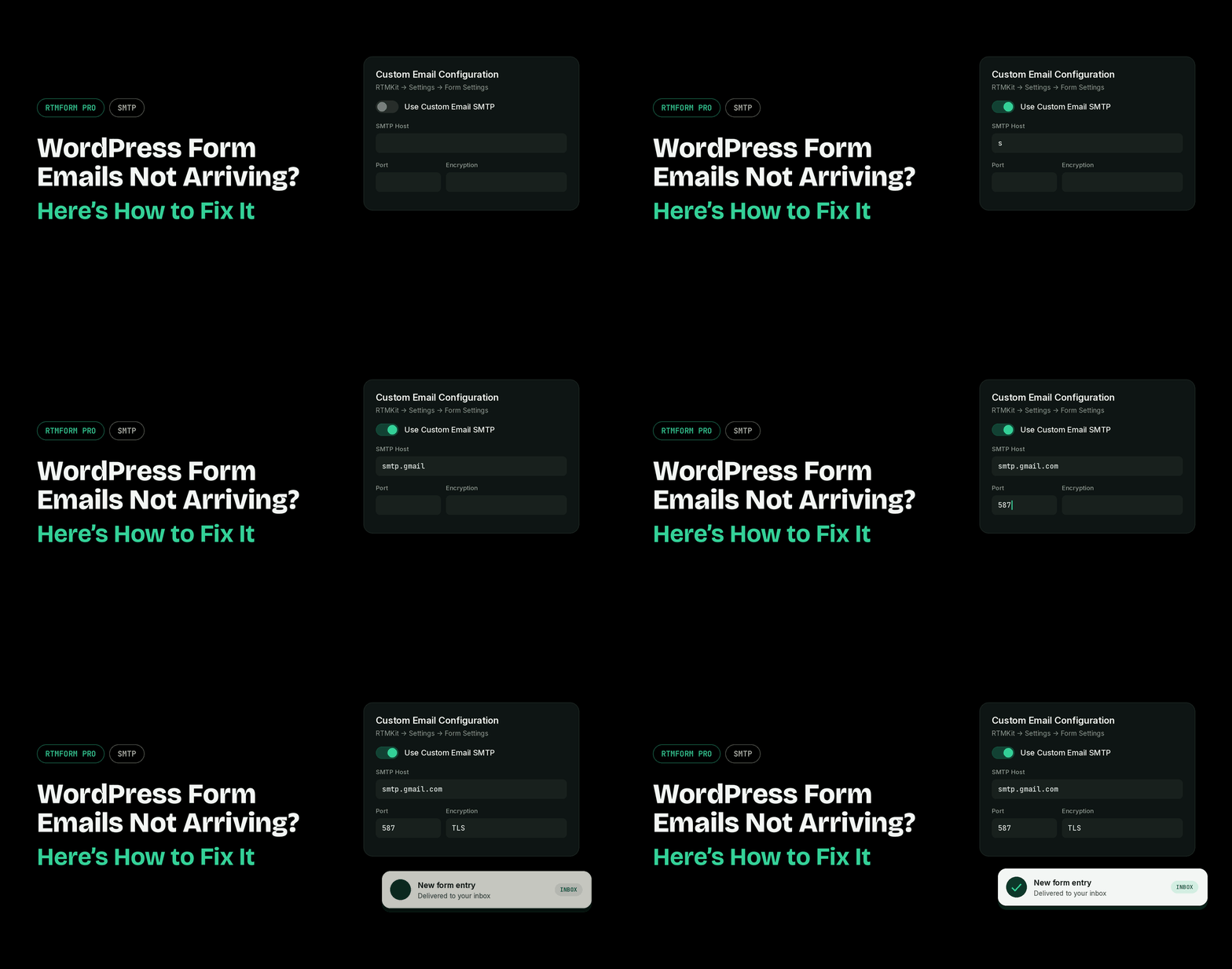
Are your form email notifications often not arriving? A visitor fills out your form, hits submit, and sees the “thank you” message, but nothing ever shows up in your inbox.
The reason is simple: by default, WordPress sends emails through your hosting server, and providers like Gmail and Outlook often don’t trust them. So your emails end up in spam or never arrive at all.
But don’t worry. You can easily configure SMTP with RTMForm PRO.
The Solution: Configure SMTP with RTMForm PRO
With RTMForm PRO, you can configure SMTP right from your WordPress dashboard, with no extra plugin needed. Your form emails are sent through a verified email account, such as Gmail or your own domain email, so they land in the inbox every time.
No more missed leads, lost inquiries, or users waiting for confirmation emails that never come.
Set It Up in a Few Minutes
Go to RTMKit → Settings → Form Settings, turn on Use Custom Email SMTP, fill in your SMTP details, and click Save Changes. Once it’s active, every RTMForm PRO form on your site uses it automatically.
For the full tutorial, see it here.
Works With Any Email Provider
Use Gmail, Outlook, your hosting email, or services like Brevo. You can also set your own From Name, so every notification shows your brand name instead of a generic WordPress sender.
Never Miss a Form Email Again
With SMTP in RTMForm PRO, every message from your visitors reaches your inbox, so you can focus on replying instead of wondering what got lost.