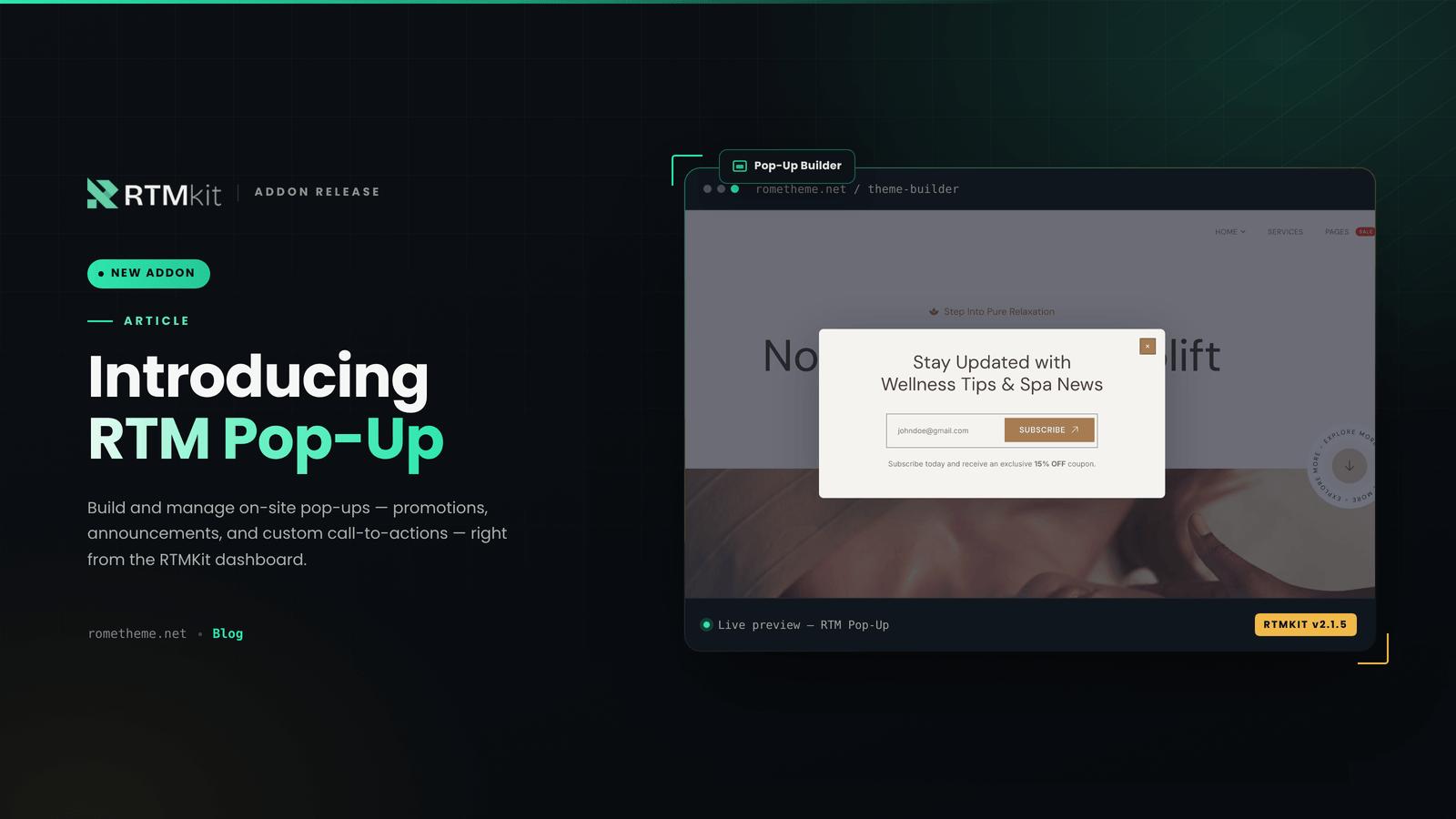
We’re excited to announce the arrival of RTM Pop-Up, our newest addon now officially available. You can activate this addon anytime, right from the RTMKit dashboard.
What is RTM Pop-Up?
RTM Pop-Up is an addon that lets you build and manage pop-ups on your website with full flexibility — from promotions and announcements to forms and customizable call-to-actions tailored to your needs.
How to Get RTM Pop-Up
RTM Pop-Up can be accessed through the Addons menu in the RTMKit dashboard:
- Install & Activate the RTMKit plugin / Update RTMKit to v.2.1.5
- Open the RTMKit dashboard → Features, then click Addons
- Click the Upgrade Plan button on the RTM Pop-Up addon
- Choose the plan and addons you’d like to use — you can purchase a single addon or bundle as many as you need
- Once your plan and RTM Pop-Up addon are active, RTM Pop-Up will be instantly available in the RTMKit Theme Builder
Full Tutorial
For a step-by-step walkthrough covering everything from activation to setting up your first pop-up, check out the full tutorial here: How to Create A Pop-Up
Have questions about RTM Pop-Up or other addons? Reach out to our support team at cs.rometheme@gmail.com.
Post Views: 300