Hi,
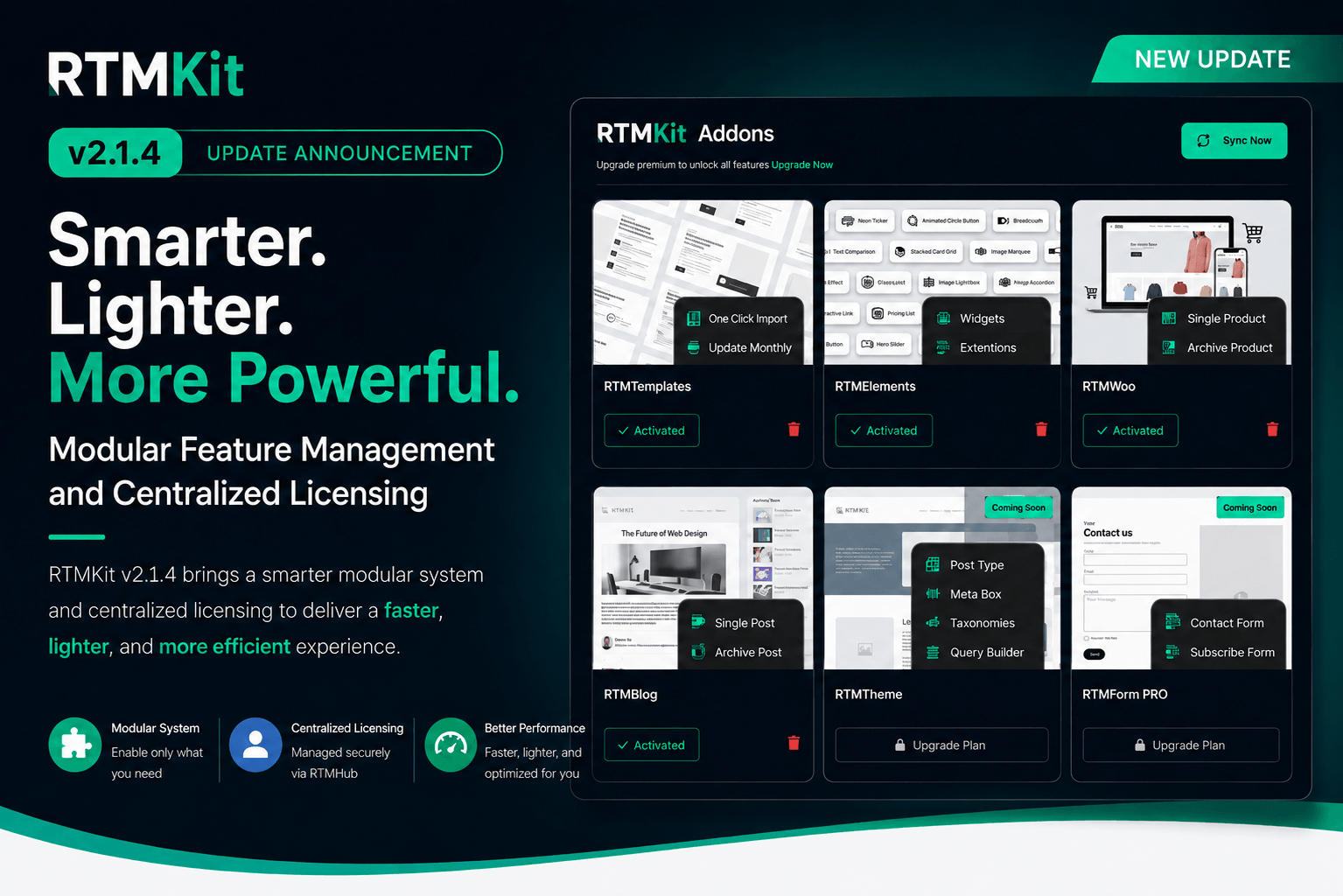
We’re excited to introduce RTM Hub—a unified dashboard designed to make managing your RTMKit licenses, activating Pro addons, and accessing upcoming features faster and simpler.
Starting with RTMKit v2.1.4, all license management is officially transitioning to RTM Hub.
Free Users: What You Need to Do
- Action: Simply update RTMKit to v2.1.4 via your WordPress dashboard.
- Impact: Your existing sites, layouts, and published content remain completely unaffected. (Note: Template Kits are transitioning into the Pro addon ecosystem).
- Optional: You can register an RTM Hub account anytime to prepare for future feature access.
Pro Users: Action Required (Migration Steps)
To accommodate our modular addon architecture, old Pro licenses must be migrated to RTM Hub:
- Deactivate and Delete your existing RTMKit Pro plugin.
- Update the base RTMKit plugin to v2.1.4.
- Log in or create your RTM Hub account.
- Navigate to RTMKit → Account → Connect Your Account in your WordPress dashboard.
- Go to RTMKit → Features → Click Addons.
- Install and activate your Addons.
What’s Changing in RTMKit Pro?
We’ve modularized RTMKit Pro so you only load the features your site actually needs:
- RTMElements PRO: Advanced Elementor widgets and layout controls.
- RTMBlog: Extended query controls, post grids, and single-post features.
- RTMTemplates: Curated template kits and layout resources.
- RTMWoo: Dedicated WooCommerce builders and dynamic shop widgets.
Important: The legacy licensing mechanism is being phased out. Please complete your migration to keep Pro features active and receive seamless updates.
Need help during the transition? Check out our step-by-step For RTMKit Pro User or reach out directly to our support desk.
Best regards,
The Rometheme Team