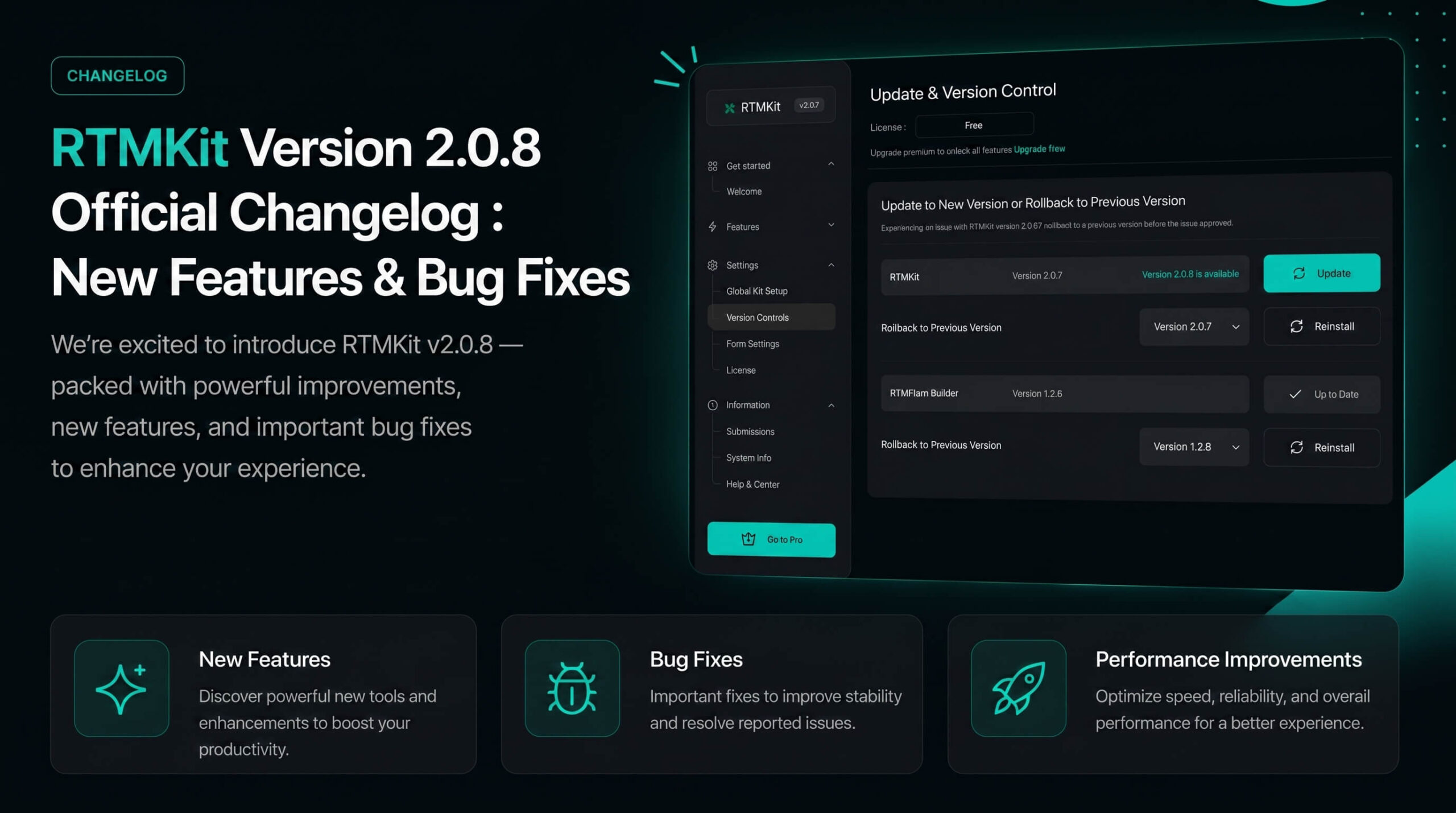
We are excited to announce the official release of RTMKit version 2.0.8. In this update, we have focused heavily on refining existing widgets, introducing highly-requested styling controls, and fixing minor bugs to ensure your design workflow remains smooth, flexible, and pixel-perfect.
Here is the complete breakdown of what’s new and improved in this version:
1. Advanced Heading
- Fixed: Resolved alignment bugs affecting the Background Text and HTML Tags.
2. Card Carousel
- Fixed: Resolved an issue where the box-shadow did not follow the border-radius.
- Fixed: Corrected a layout bug affecting Title Alignment.
3. Counter
- Added: Introduced a new Vertical Margin control for suffix and prefix positions.
- Fixed: Fixed a text-clipping bug where the number “0” was cut off when using Google Fonts.
4. Call To Action
- Added: Added Box Shadow controls directly to the main container Box.
- Added: Added a Show/Hide toggle option for the Button element.
5. Image Accordion
- Added: Introduced dedicated Box Shadow controls for individual images.
6. Image Box
- Fixed: Corrected a spacing issue with the Content Padding.
7. Text Marquee
- Changed: Moved the Horizontal & Vertical layout controls from the Style Tab to the Content Tab for a more intuitive configuration workflow.
8. Team Member
- Fixed: Fixed a border-radius clipping bug on the Social Icons Style during hover states.
9. Testimonial Carousel
- Added: Added a new Spacing control between the Author Name and the Description.
10. Post Block
- Fixed: Resolved rendering bugs related to the Floating Date configuration.
- Added: New Control under Content Tab -> Read More Button -> Button Animation.
- Added: New Control under Style Tab -> Button -> Transition.
- Added: New Styling options for Icon Color (Normal and Hover states).
11. Post List
- Added: Added alignment settings for the Button component.
- Fixed: Fixed a query limitation bug, allowing users to successfully select and display more than 5 posts.
- Added: New Control under Content Tab -> Read More Button -> Show Line Button.
- Added: New Control under Style Tab -> Button -> Transition.
- Added: New Styling options for Icon Color & Line Color (Normal and Hover states).
12. Woo Product Grid
- Added: Added responsive Column controls for both Desktop and Mobile viewports to specify the number of displayed products.
- Added: Introduced a new “Crop Title by Word” control to easily maintain uniform product card heights.
How to Update?
- Navigate to your WordPress Dashboard.
- Go to RTMKit > Settings > Version Control.
- Find RTMKit, and click Update.
Tip : Don’t forget to clear your website and browser cache after updating to make sure all the new visual elements and control assets load perfectly in your editor.
Got questions about the new update, or want to showcase the stunning layouts you’ve built with v2.0.8? Join our growing community of global creators and agencies. Get direct tips, share your feedback, and stay ahead with exclusive insights.