If you’re building sites with WordPress and Elementor day in and day out, you know the drill—speed, flexibility, and staying consistent with your design matter more than you think. The faster you can craft polished layouts and interactive sections that actually convert, the happier your clients (and you) will be.
This is where RTMKit comes in. It isn’t just another plugin you toss into the stack. Instead of juggling five different tools or hacking together custom code, RTMKit drops a bunch of practical widgets and design tools right into Elementor, making your life easier and your websites slicker—without draining your creativity or slowing down the site.
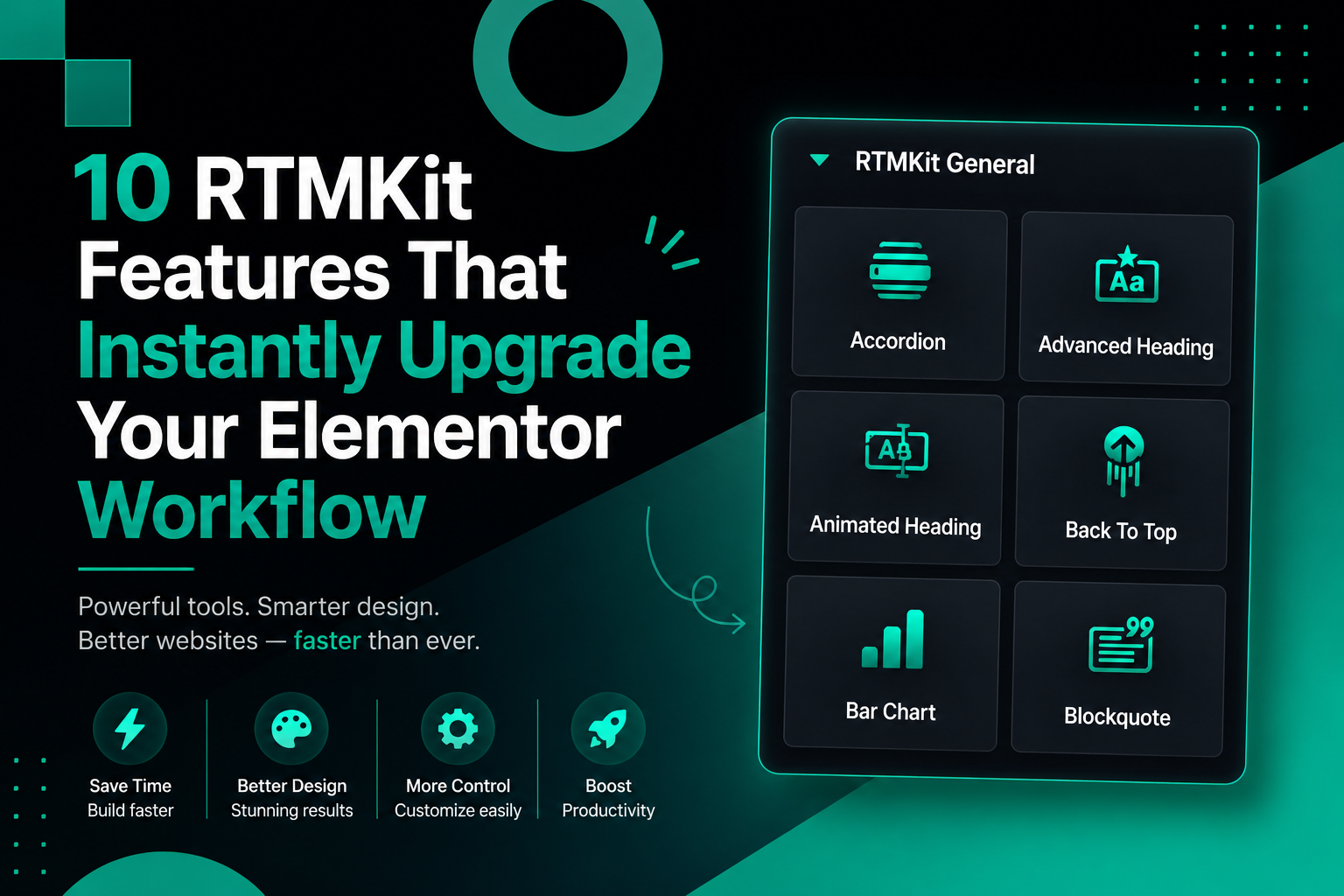
Let’s walk through ten RTMKit features that seriously upgrade the way you tackle Elementor projects.
1. Accordion
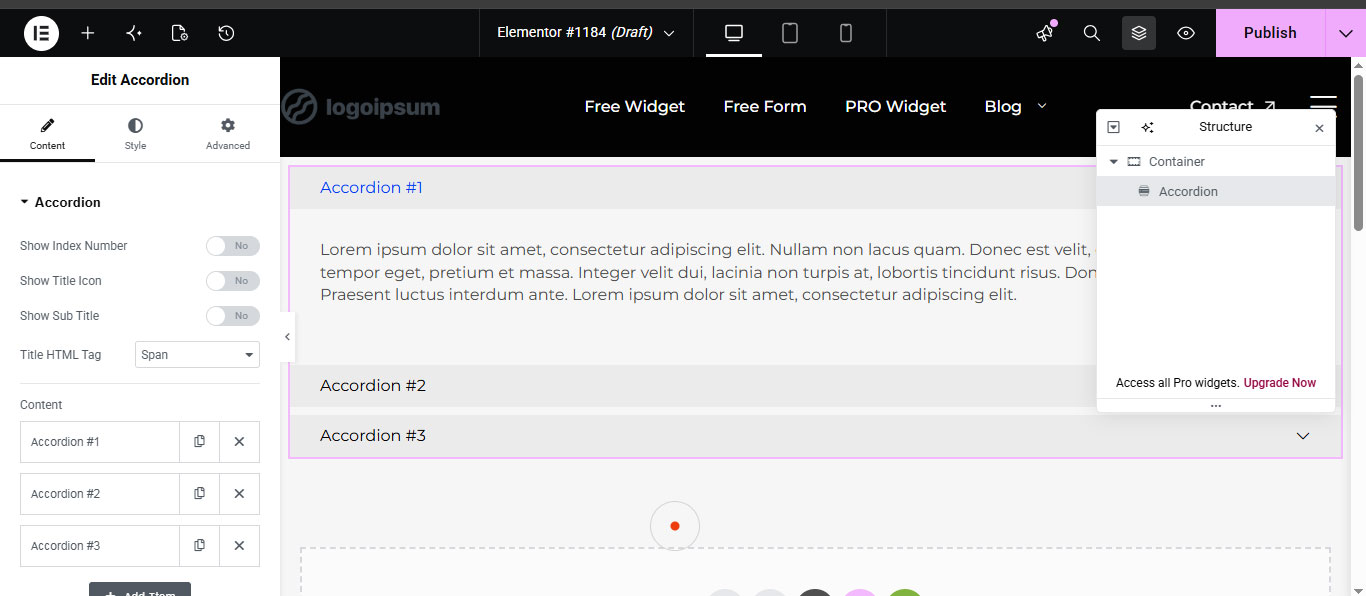
The Accordion widget is hands-down one of the easiest ways to turn piles of information into something users actually want to read. FAQs, product details, documentation, service breakdowns—the list goes on. Accordions cut clutter and stop your users from endless scrolling.
Why It’s Awesome
- Keeps pages tidy and clean
- Cuts down scroll fatigue on long pages
- Helps visitors find info fast
- Gets rid of the need for custom JavaScript
Best Uses
- FAQs
- Course outlines
- Pricing explanations
- Product features
- Support docs
Pro Tip: Toss in custom icons or style accordions to match your brand, and the section feels a whole lot more interactive.
2. Advanced Heading
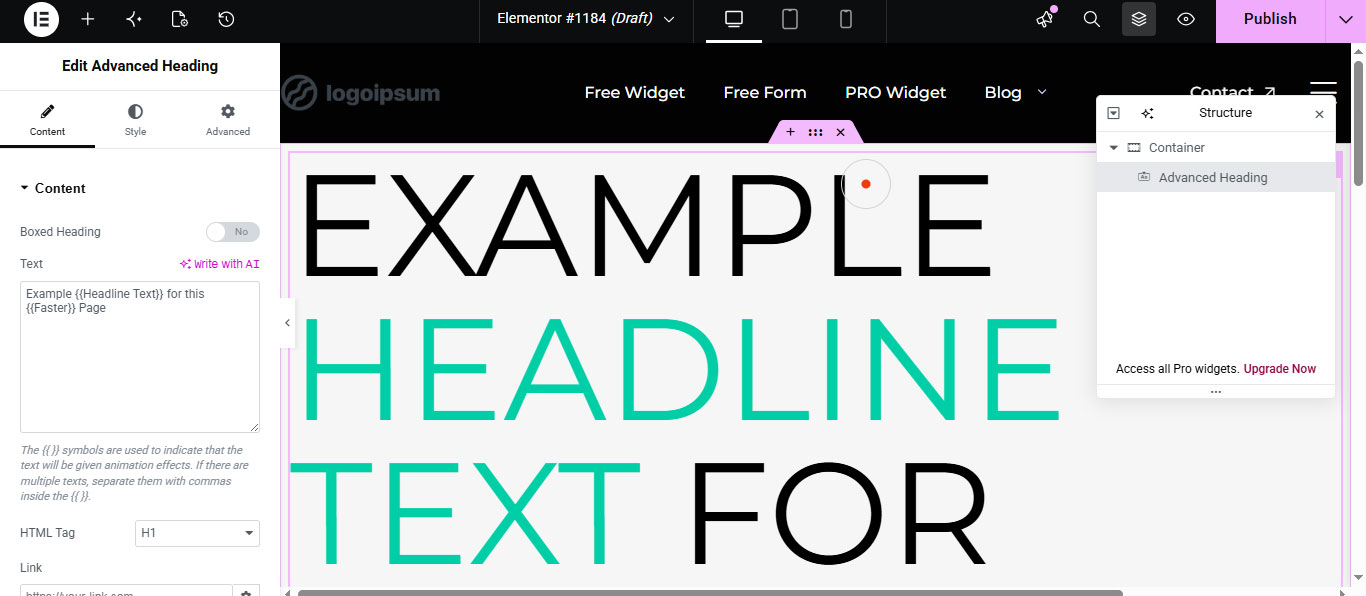
Basic headings work, but if you want something that doesn’t look like every other site out there, the Advanced Heading widget is the move. Add subtitles, highlight important words, throw in separators, and style everything to look super professional.
Why You’ll Love It
- Levels up your hero sections quickly
- Sharpens your visual hierarchy
- Keeps branding consistent
- Saves you loads of hand-styling time
Best Uses
- Landing pages
- Hero banners
- Section titles
- Agency sites
- Portfolios
Pro Tip: Pair Advanced Heading with gradients or motion effects for headers that really pop.
3. Animated Heading
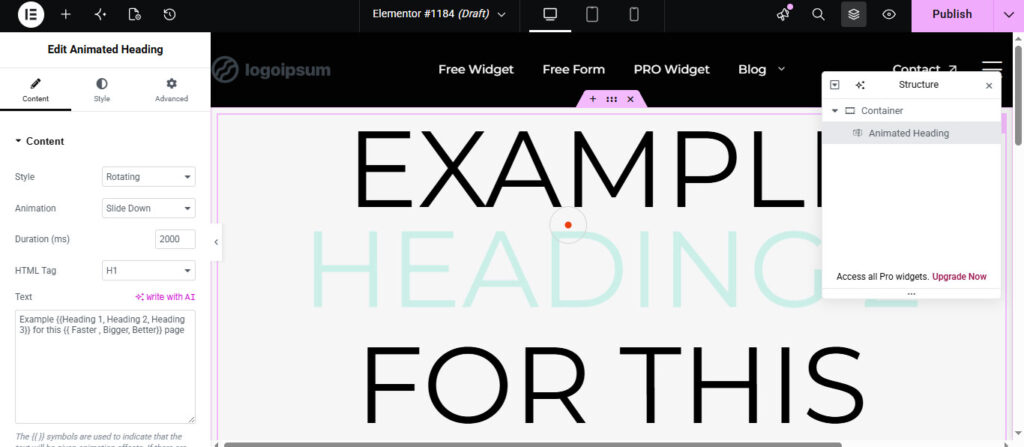
Add motion, and suddenly your site feels alive. The Animated Heading widget gives you dynamic headlines—rotating, typing, sliding effects—all of which catch the eye. They’re magic for hero sections.
Why It’s Worth It
- Makes your site feel energetic, without writing code
- Instantly snags attention on landing pages
- Lets you showcase multiple services in one headline
- Makes everything feel modern
Best Uses
- Startup and SaaS landing pages
- Creative portfolios
- Agency sites
- Marketing campaigns
Example: Instead of just saying “We Build Websites,” use Animated Heading to slide between “Fast,” “Modern,” and “High-Converting Websites”. Much more memorable.
4. Back to Top
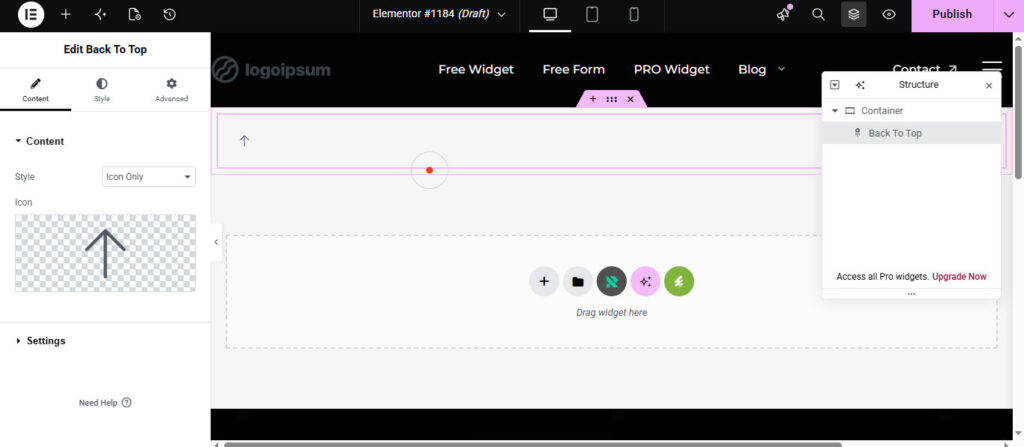
On long pages, navigation matters. The Back to Top widget lets visitors zip back to the top, ditching all the endless scroll.
It’s a tiny feature, but it’s a big win for usability—especially for blogs, documentation, landing pages, or product catalogs.
Why It Helps
- Makes navigation smoother for everyone
- Works well on mobile
- No coding required, ever
- Adds polish to every site
Pro Tip: Tweak the icon, animation, and when the button shows up so it blends into your design.
5. Bar Chart
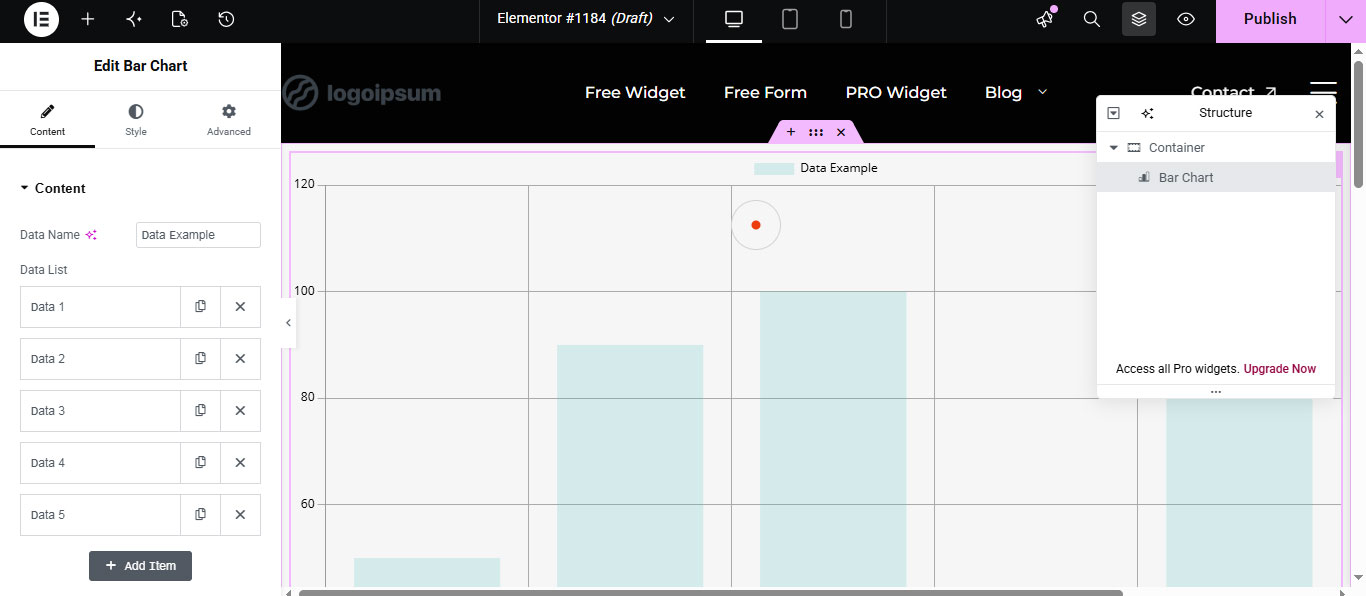
We all love a good visual—we’re wired for it. The Bar Chart widget turns stats, comparisons, and progress into something people can digest instantly.
What It Changes
- Makes complex info way easier to understand
- Turns reports into engaging visuals
- Builds credibility with actual data
- No more hunting down external chart plugins
Best Uses
- Business and marketing stats
- Case studies
- Team performance
- Financial dashboards
Pro Tip: Use chart loading effects—your data comes alive and looks more professional.
6. Blockquote
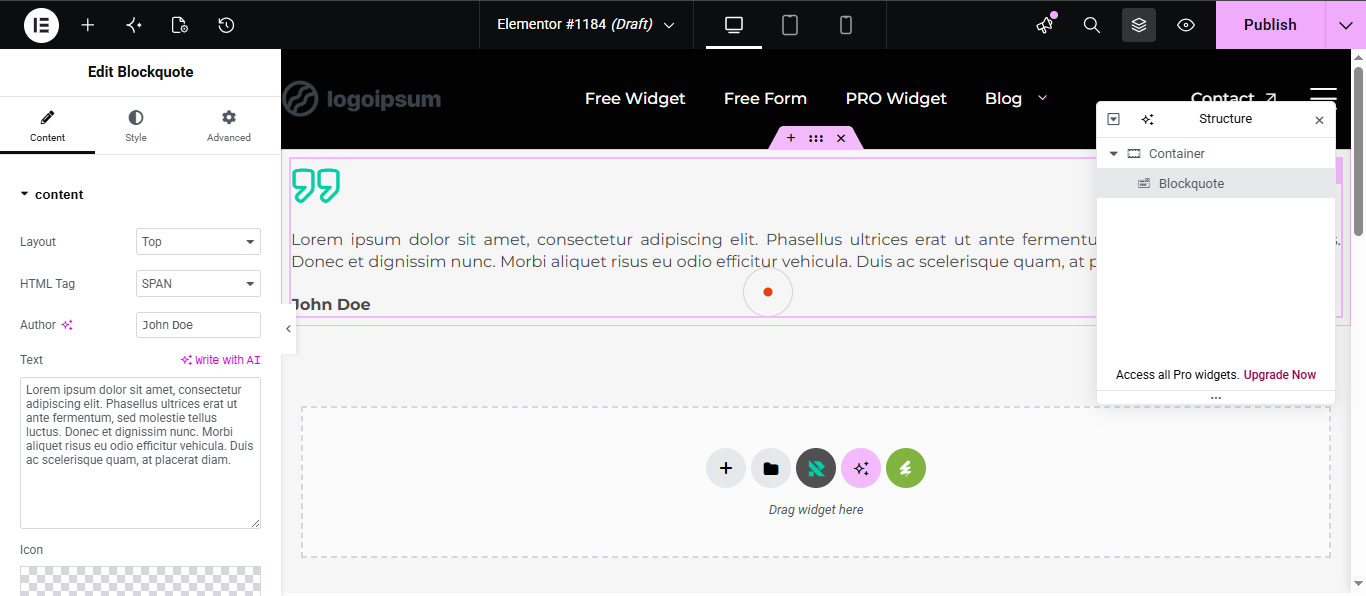
Testimonials and key quotes give your site real credibility. The Blockquote widget makes those statements stand out so they’re more than just another chunk of text.
Why It’s Useful
- Adds trust to your pages
- Breaks up long content visually
- Boosts readability
- Makes testimonials feel substantial
Best Uses
- Client testimonials
- Founder insights
- Customer reviews
- Editorial content
- Case studies
Pro Tip: Pair blockquotes with client photos or brand logos—the social proof gets even stronger.
7. Post Grid
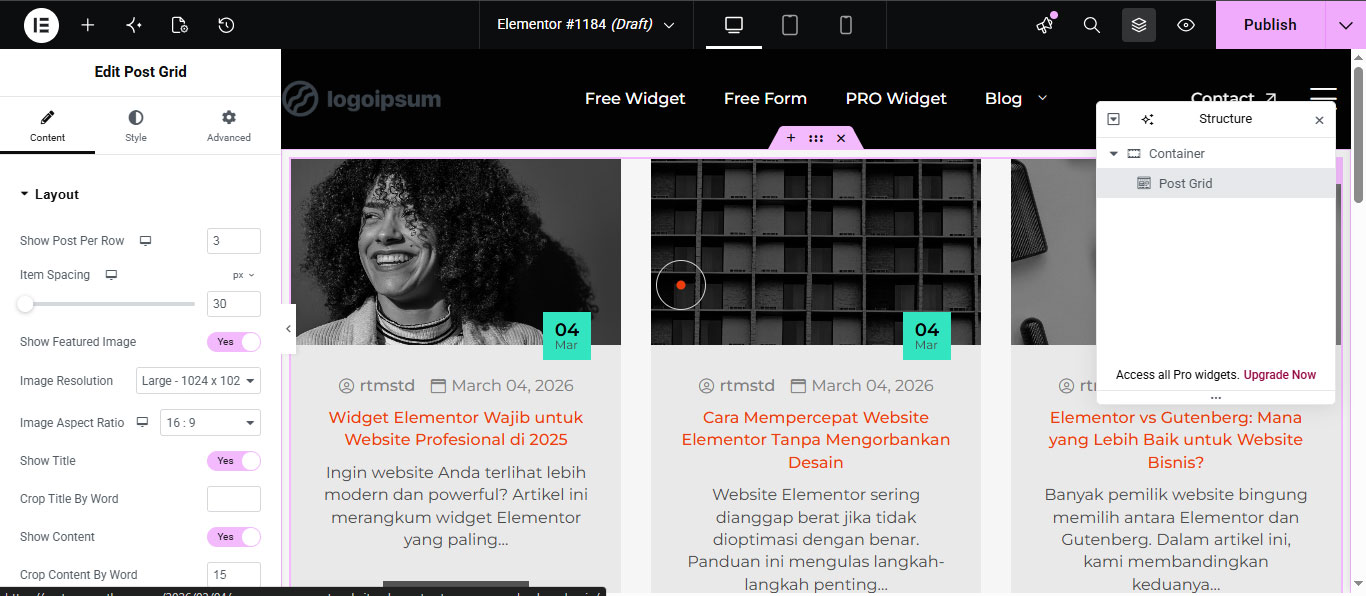
If your website has a lot of articles or posts, you need a clean way to show them off. The Post Grid widget does exactly that: responsive grids, custom filters, and easy styling.
Why It Rocks
- Makes blog and news pages look slick
- Helps users find content easily
- Automates post organization
- Gives you dynamic layouts
Best Uses
- News sites and blogs
- Magazine layouts
- Resource hubs
- Portfolio archives
Pro Tip: Interactive category filters and hover effects turn your blog page from boring to engaging.
8. Card Carousel
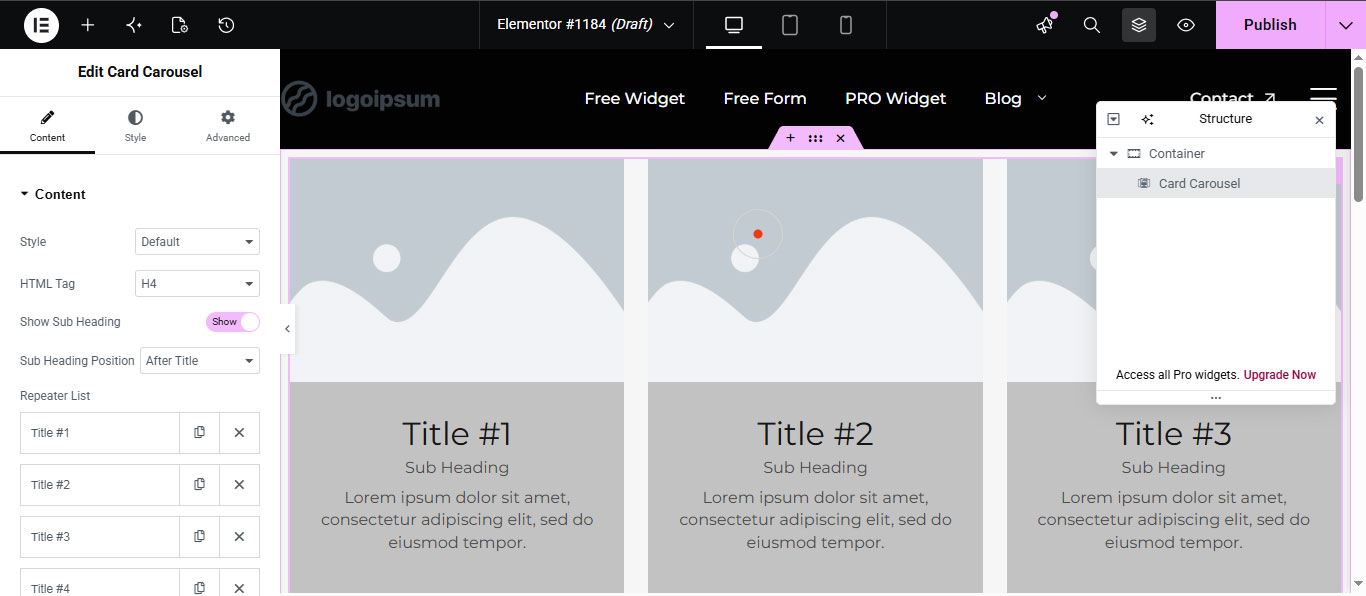
Carousels are classic—they let you squeeze lots of content into tiny spaces. The Card Carousel widget is perfect for showcasing services, testimonials, portfolios, products, or team members, all in an elegant slider.
Perks
- Saves space without limiting content
- Makes presentations more engaging
- Creates interactive sections
- Kills the need for extra slider plugins
Best Uses
- Services
- Product highlights
- Testimonials
- Team sections
- Portfolios
Pro Tip: Keep animations subtle and use plenty of spacing—it’s easier to navigate and feels more modern.
9. Client Grid
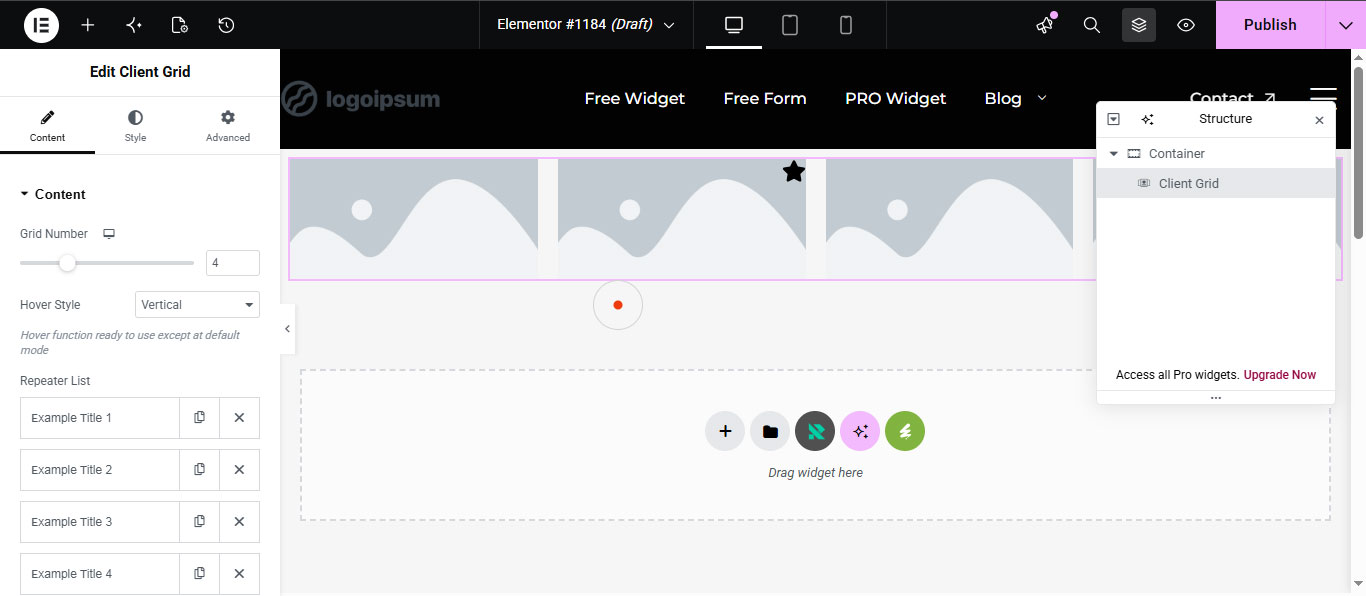
Trust—people want to see who you’ve worked with. The Client Grid widget lines up client logos, instantly giving your site authority.
Why It Works
- Shows off brand credibility
- Creates sharp-looking partner sections
- Organizes logos for you
- Keeps layouts responsive and clean
Best Uses
- Agency and SaaS websites
- Portfolio pages
- Corporate sites
- Startup landing pages
Pro Tip: Use grayscale logos with color transitions on hover. It’s a simple trick—modern and effective.
10. Countdown
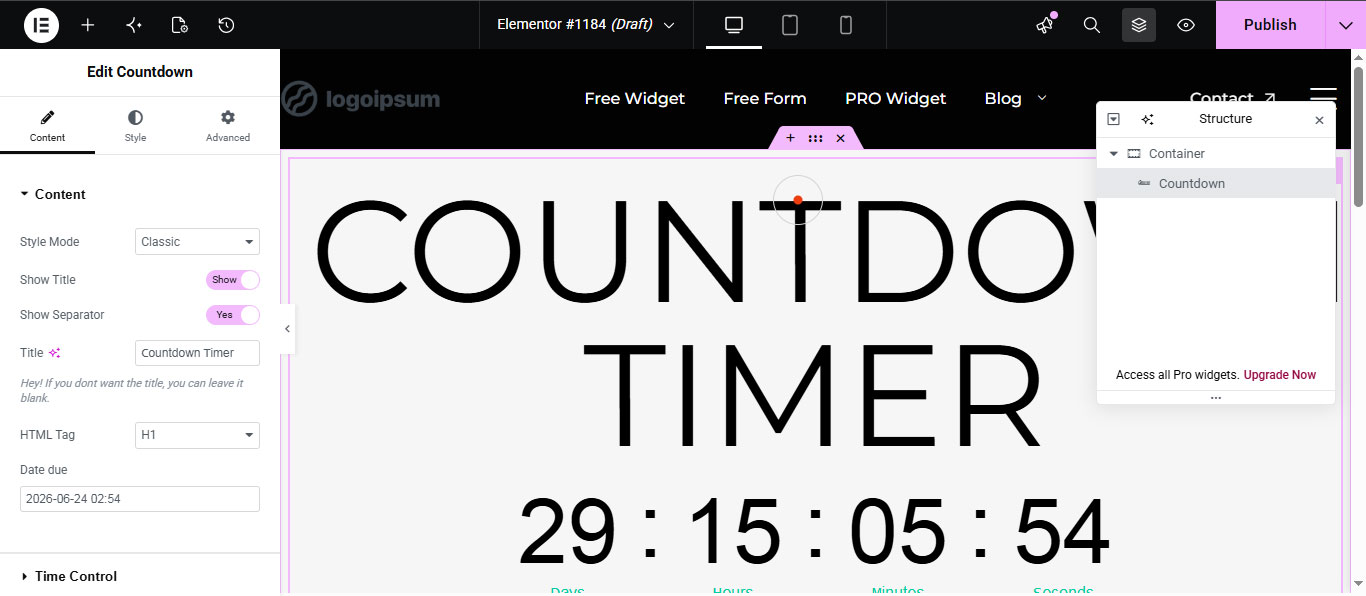
If you’re running a time-sensitive offer, urgency converts. The Countdown widget lets you set up product launches, flash sales, webinars, and events with a timer that ticks down in real time.
Why It’s Effective
- Drives action and conversions
- Creates urgency, no need for extra plugins
- Boosts campaign success
- Makes promos feel dynamic
Best Uses
- Product launches
- One-day sales
- Webinar sign-ups
- Event promos
- Seasonal marketing
Pro Tip: Add a strong CTA button next to the timer—engagement goes up.
Final Thoughts
Getting your Elementor workflow right isn’t just about speed—it’s about freeing up your mind to build sites that look great and actually work. RTMKit hands designers, developers, and agencies tools that boost design flexibility and user experience all at once. With widgets for dynamic headings, carousels, data charts, and conversion elements, you’ll smooth out your process and wow your clients.
If you want your Elementor sites to look professional—without plugin overload or custom coding headaches—these ten RTMKit features are your best starting point.
Which RTMKit feature grabs you most?
No matter if you care most about design, conversions, performance, or smooth user experience, RTMKit brings tools that truly upgrade how you build with Elementor.