Create Eye-Catching Headlines That Stand Out
Create eye-catching headings with advanced styles like boxed layouts, background text, gradients, strokes, and blend modes—perfect for enhancing visual impact and engagement.
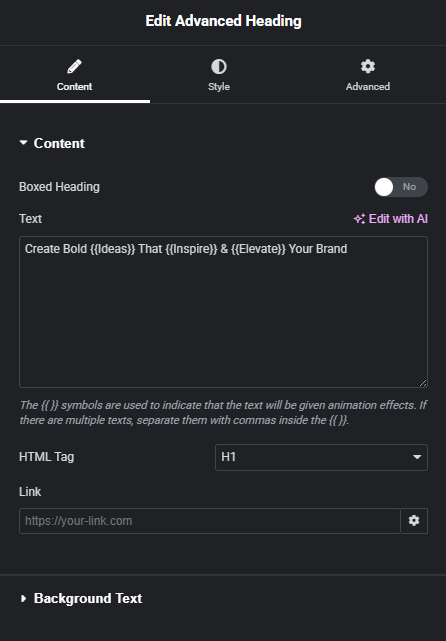
KEY FEATURES
- 2 Option Style Available
- Background Text Available
- Animated Gradient Color Available
- Blend Mode Availbale
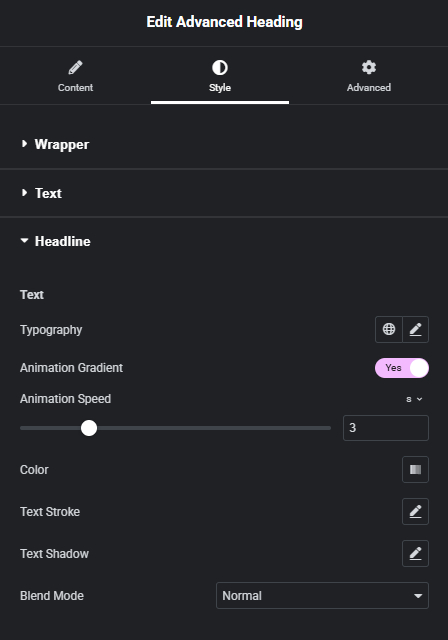
Animated Gradient Color
Apply dynamic gradient colors that smoothly animate across your text, creating a modern and eye-catching effect that enhances visual appeal and draws attention to your headlines.
Create Bold Ideas That Inspire & Elevate Your Brand
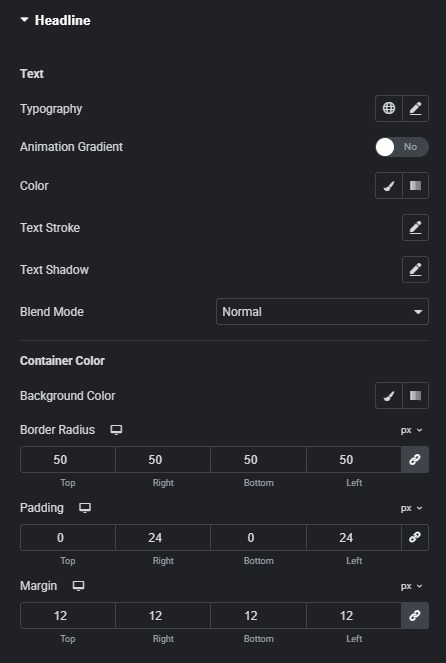
Boxed Heading Style
Adds a boxed style to your heading by wrapping text with a customizable background, padding, and borders—perfect for highlighting important titles and creating a strong visual focus.
Create Bold Ideas That Inspire & Elevate Your Brand
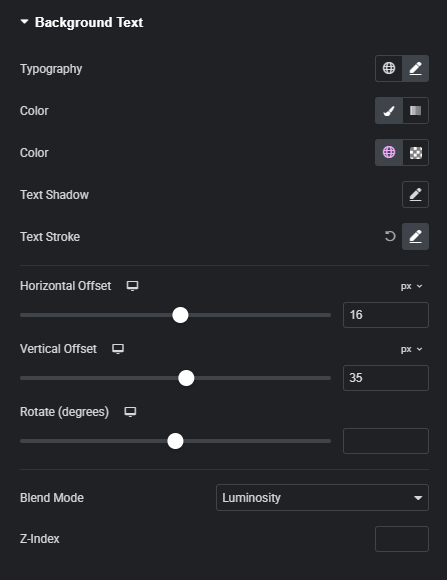
Blend Mode & Background Text Style
Apply creative blend mode effects and background text styling to create layered, visually striking headings. Blend modes allow your text to interact dynamically with backgrounds for unique effects, while background text adds depth and a modern design touch—helping your headings stand out and capture attention.
Create Bold Ideas That Inspire & Elevate Your Brand
Master It Quickly with Our Step-by-Step Guide
Follow our step-by-step video tutorial to quickly understand how to use it and get the most out of its features.
Unlock the Full Potential of Elementor — With Just One Powerful Plugin
No more plugin overload. RTMkit brings all your essential tools together under one sleek dashboard.